

Follow these steps to update the price of a product on your website. Let's look at the steps:
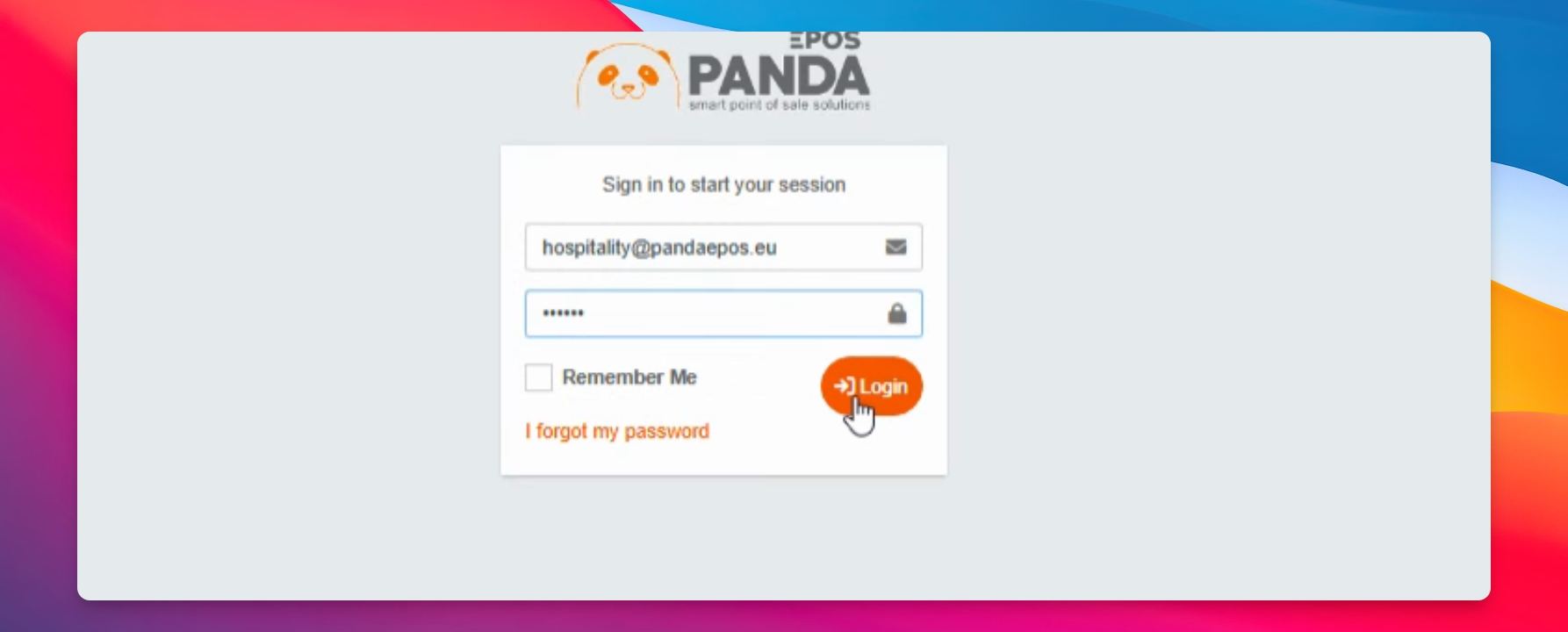
Step 1: Log In
Login to the website using your credentials.
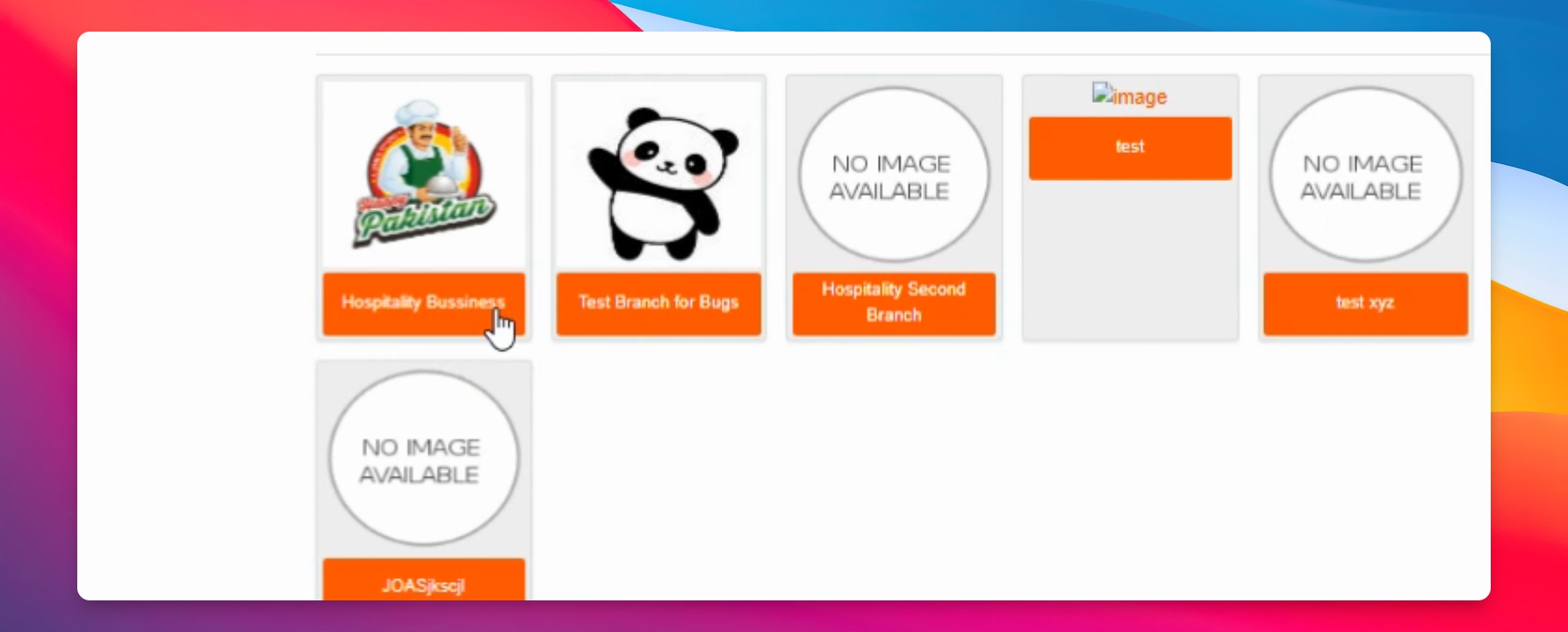
Step 2: Navigate to Location
Go to the relevant location where your products are managed.
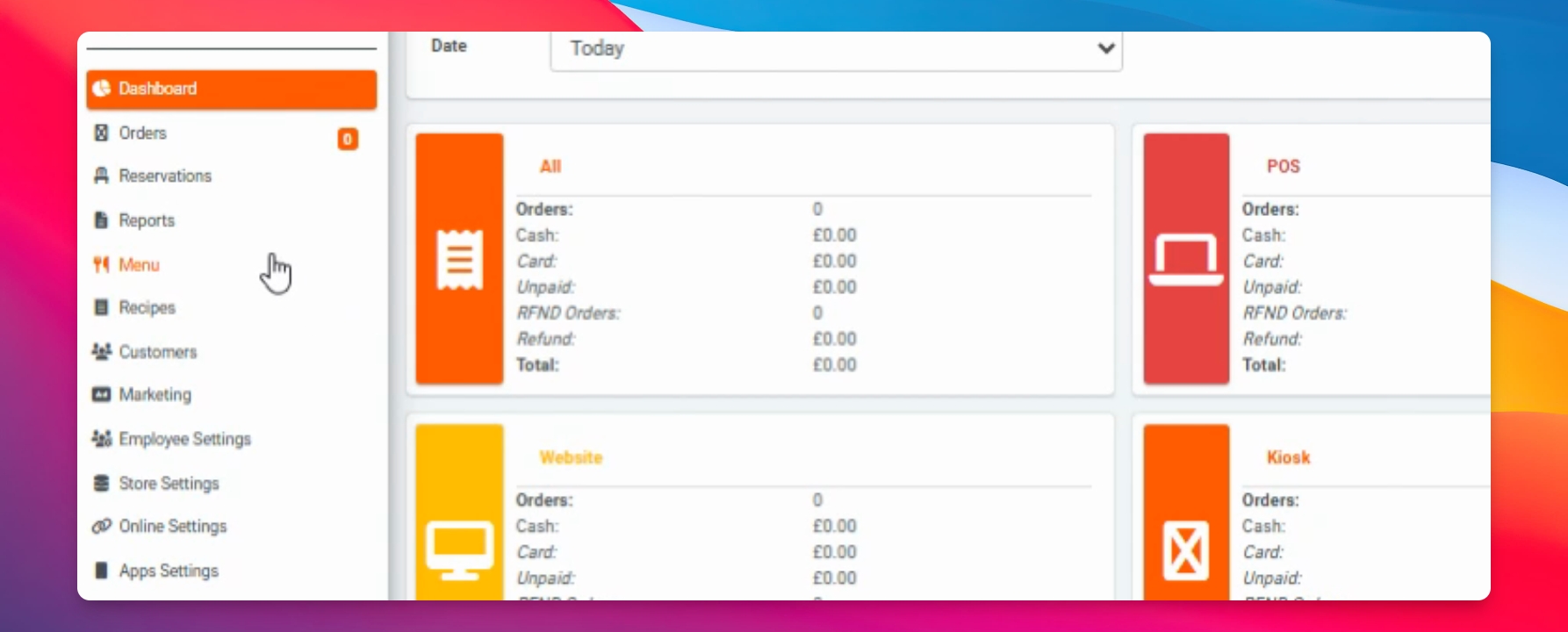
Step 3: Open Products Menu
Click on the menu, then select products.
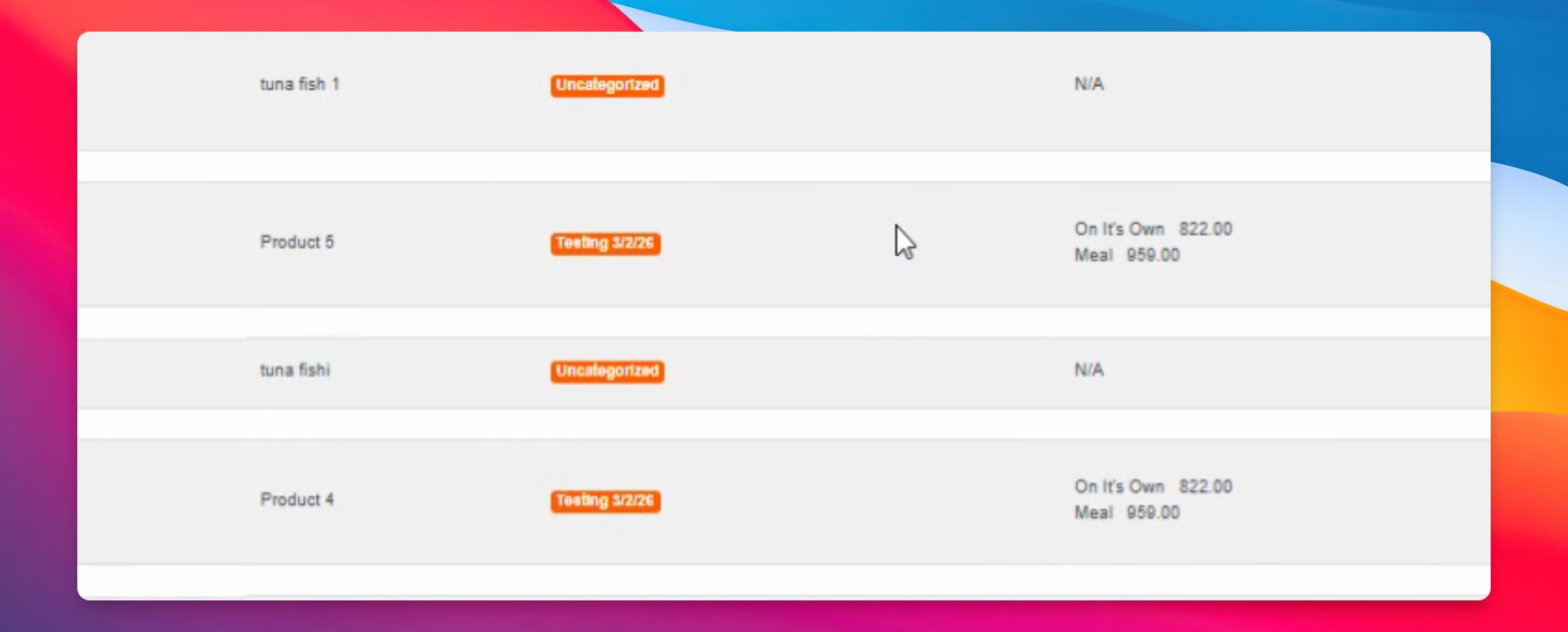
Step 4: Select Product
Choose the product you want to change the price for and click on it.
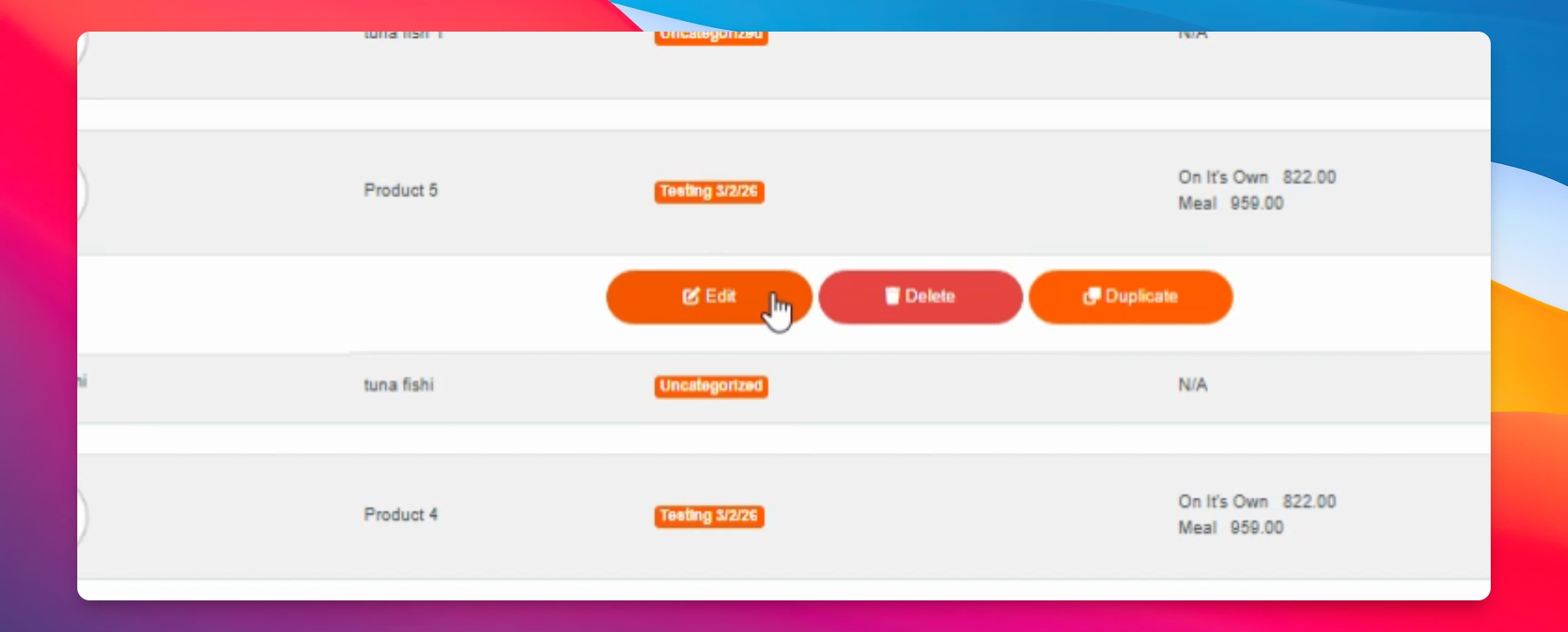
Step 5: Edit Product
Click on the Edit button to modify the product details.
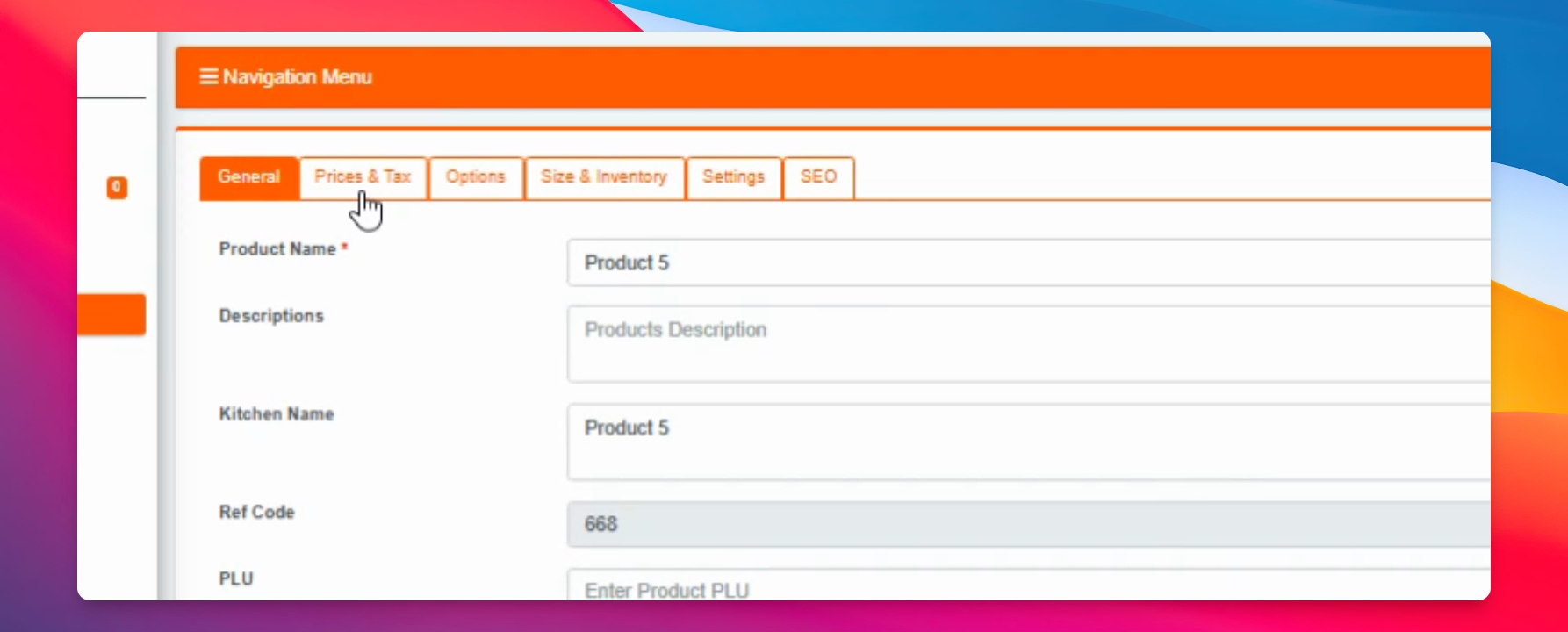
Step 6: Go to Prices and Tax
Navigate to the Prices and Tax section.
Step 7: Change Price and Save
Change the price as needed, then click on the Save button to apply your changes.
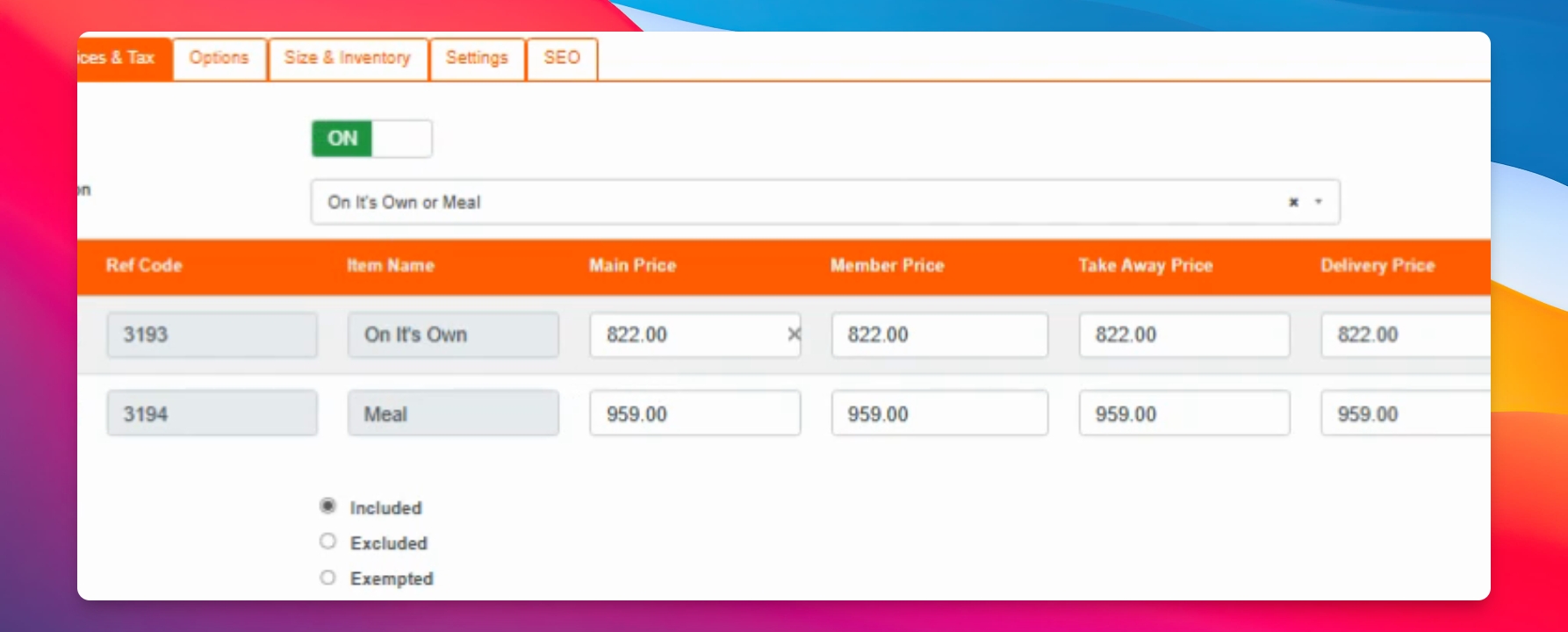
Your product price will now be updated as per your changes.