

This tutorial will guide you through the various features and functionalities of the Panda EPOS system, a comprehensive point-of-sale solution for restaurants and food service businesses.
1Enter your Email address in the Email input field.
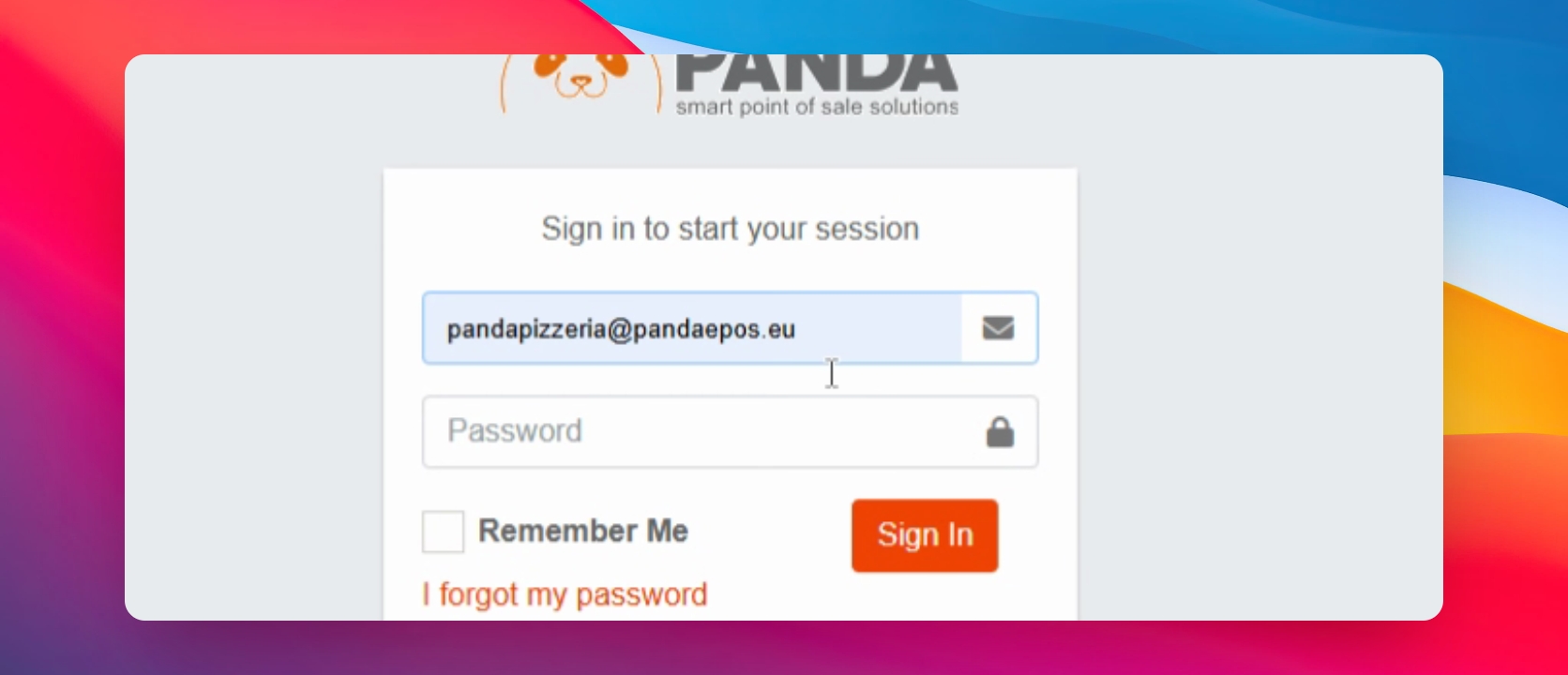
2Next, click on the Sign In button.
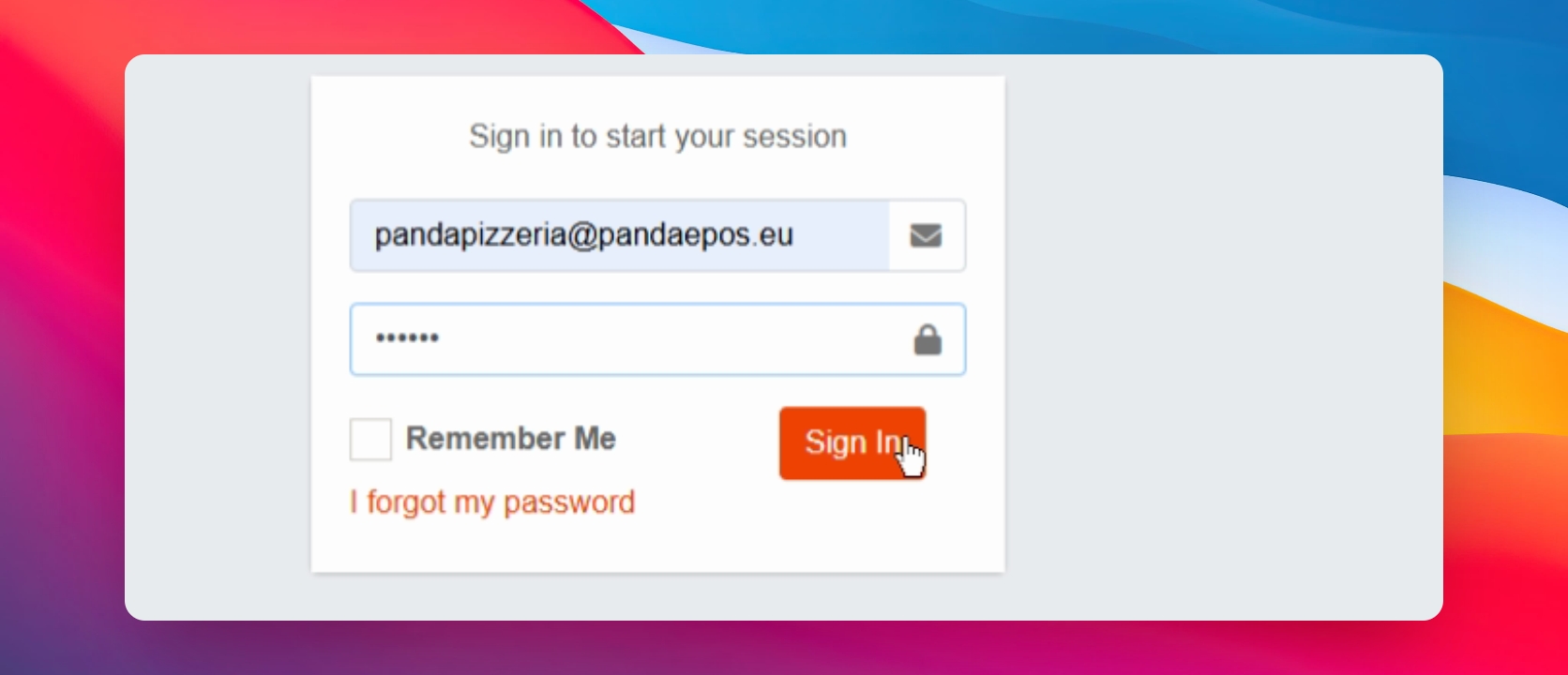
3Once signed in, click on Orders in the left sidebar menu.
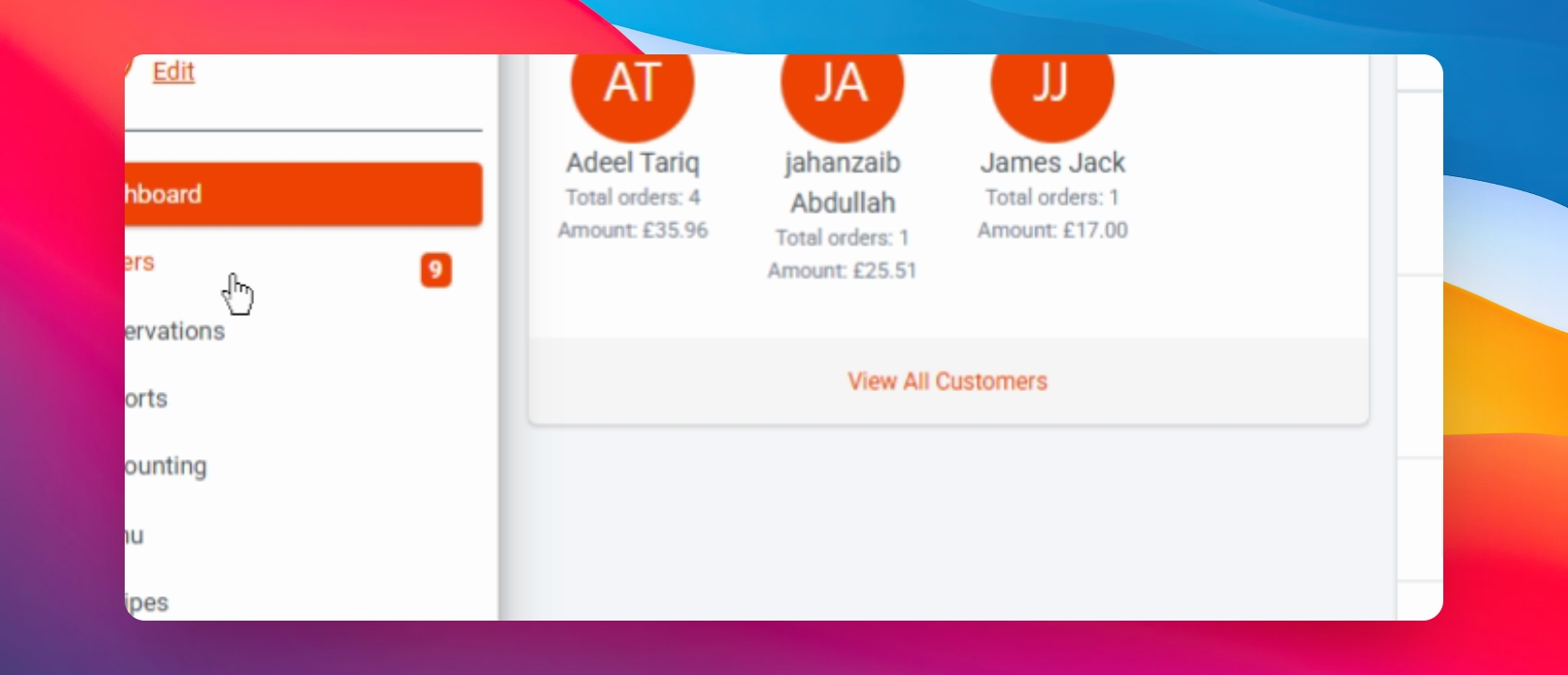
4Then, click on Reservations in the left sidebar menu.
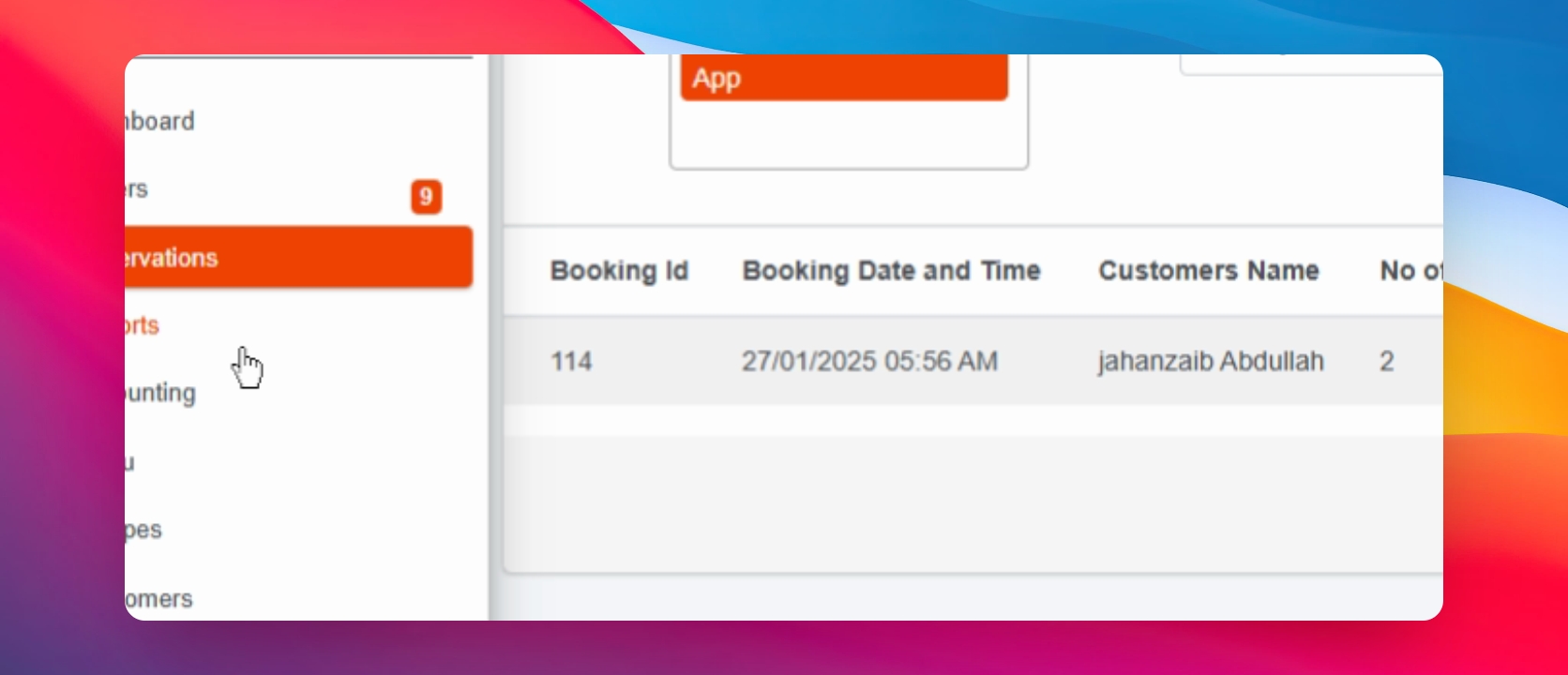
5Following that, click on Reports in the left sidebar menu.
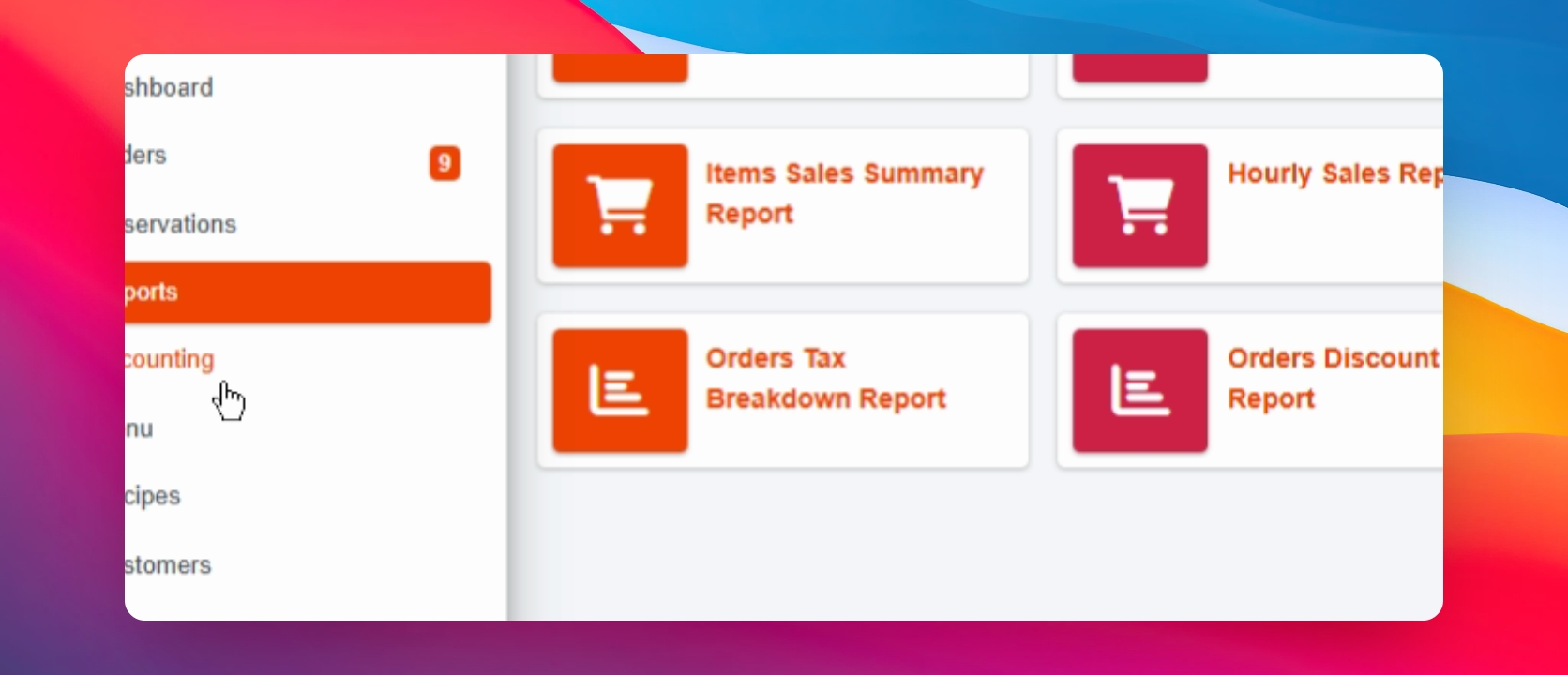
6Next, click on Accounting in the left sidebar menu.
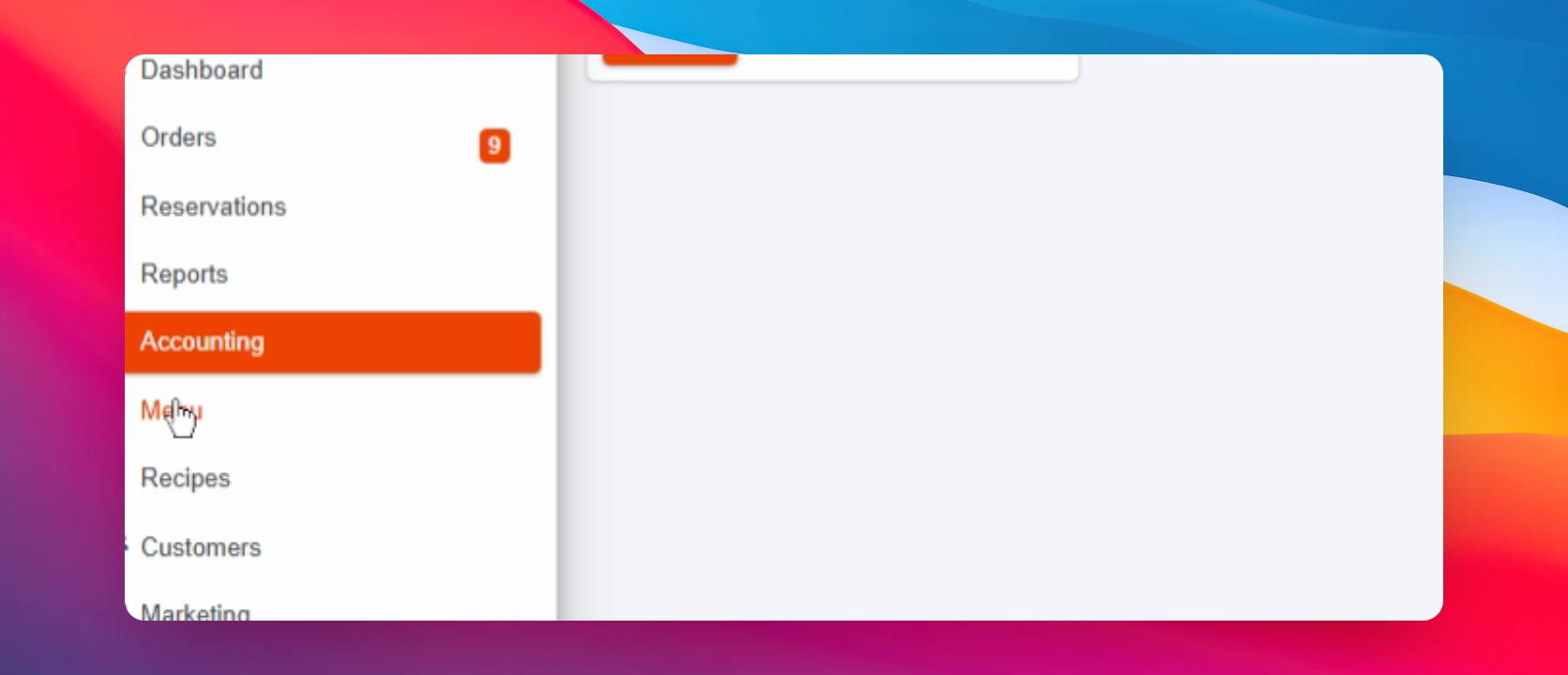
7Proceed by clicking on Menu in the left sidebar menu.
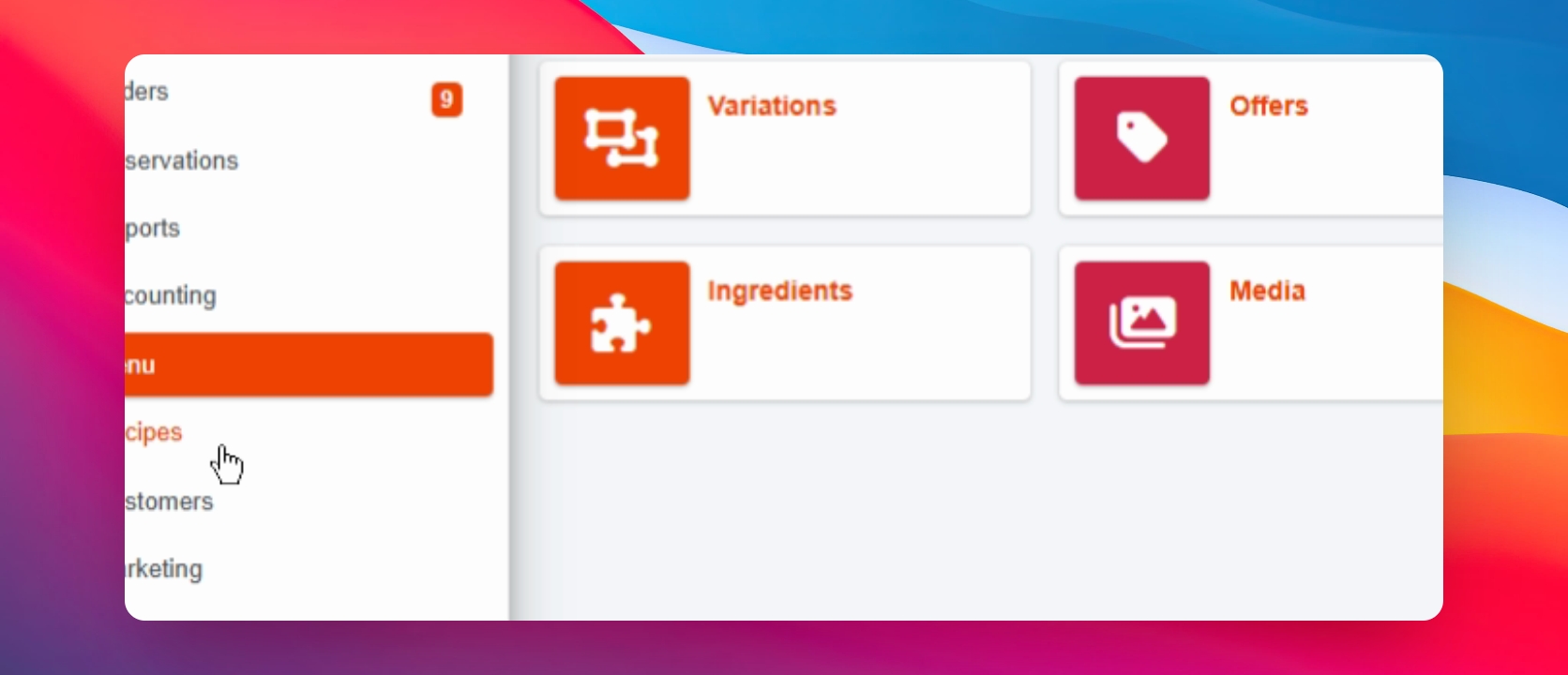
8Then, click on Recipes in the left sidebar menu.
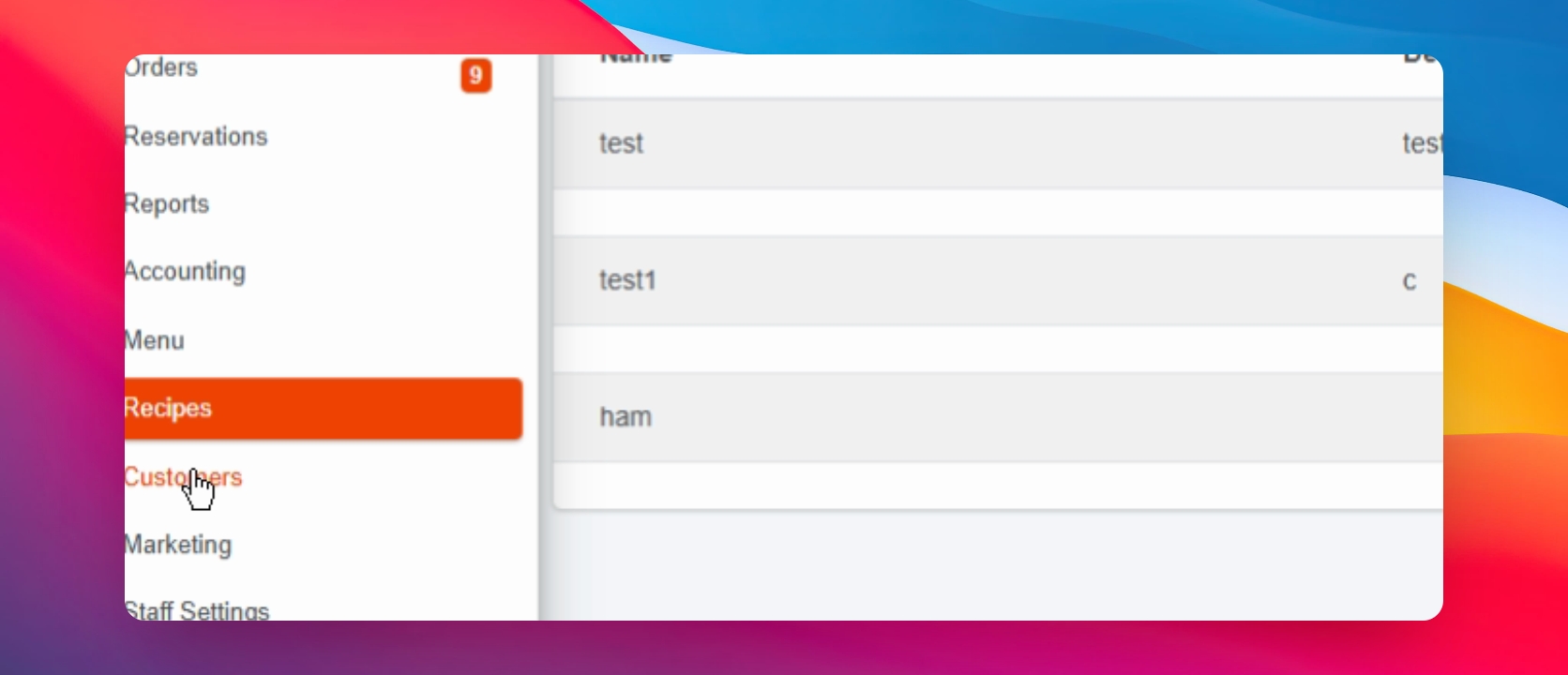
9Click on Customers in the left sidebar menu.
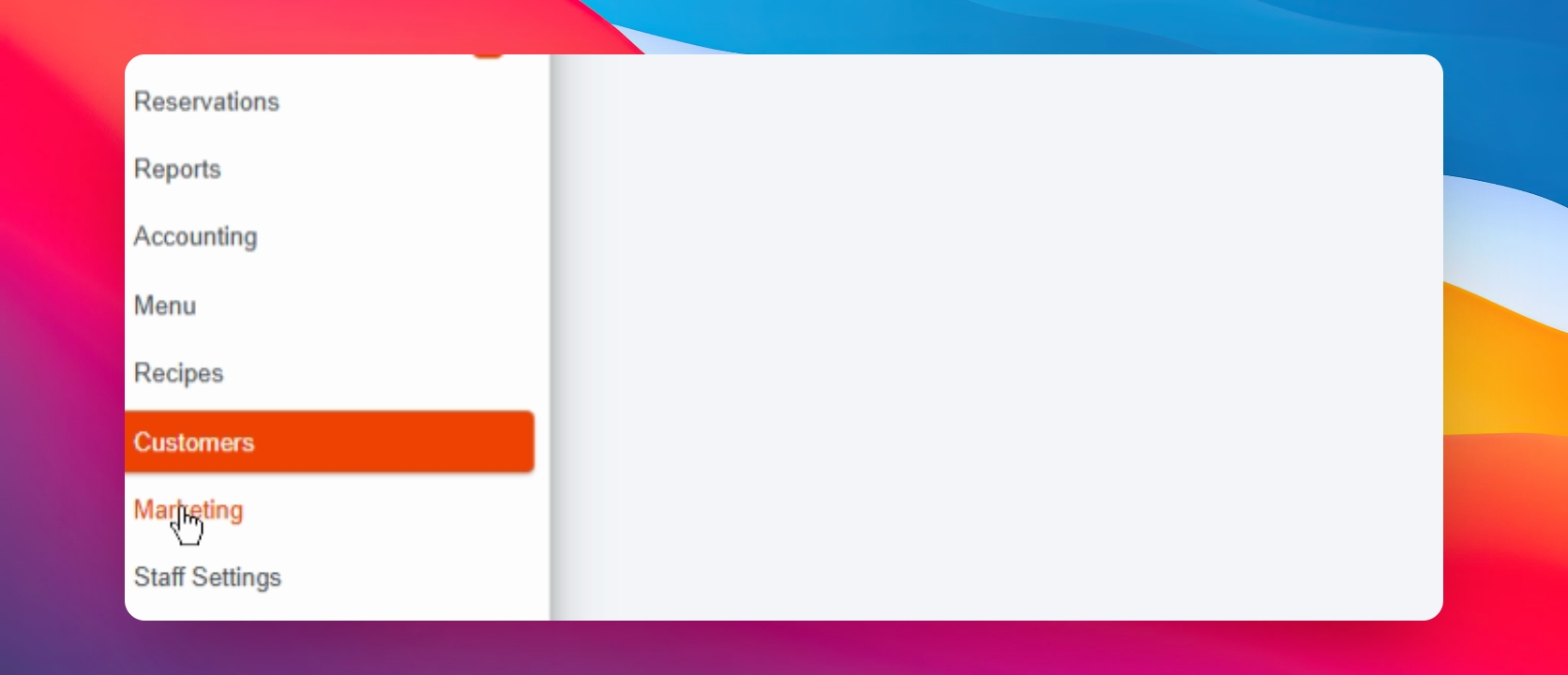
10Next, click on Marketing in the left sidebar menu.

11After that, click on Staff Settings in the left sidebar menu.
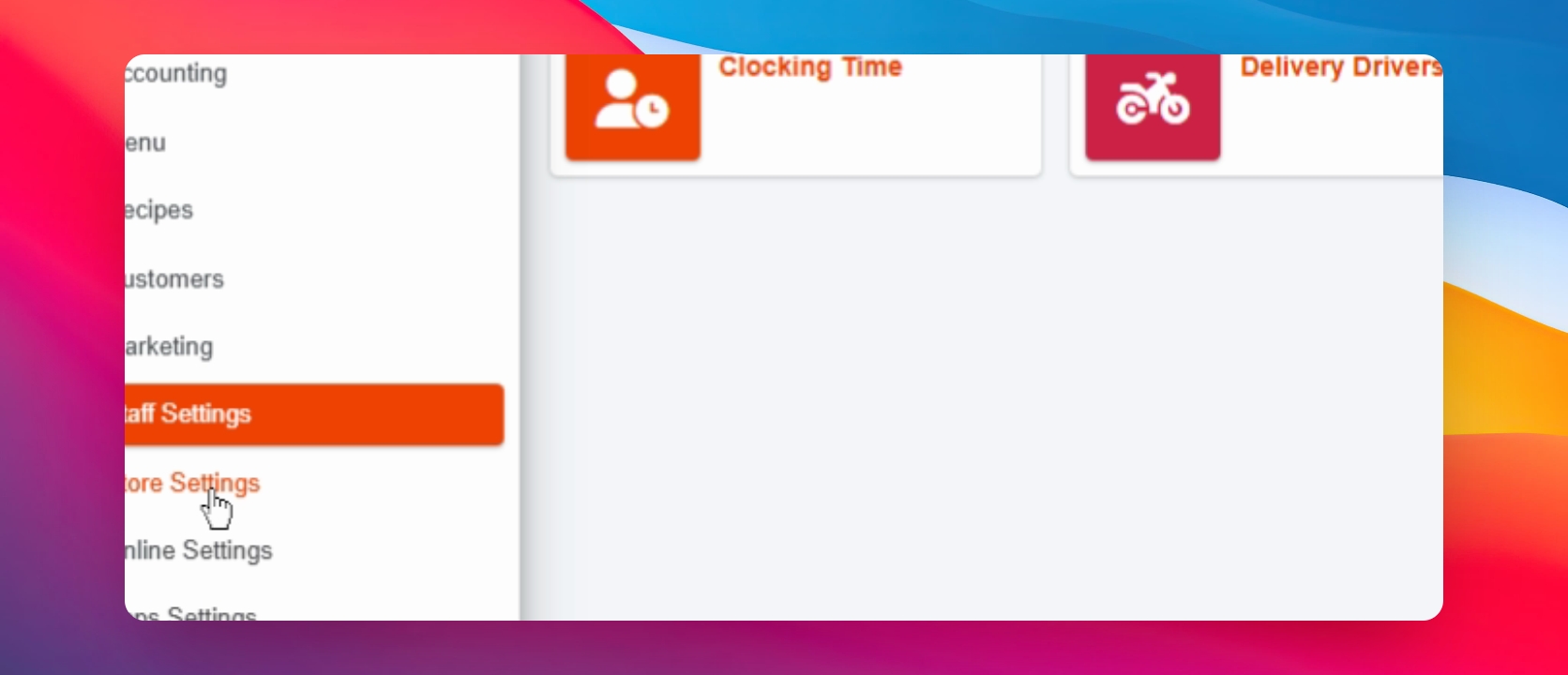
12Then, click on Store Settings in the left sidebar menu.
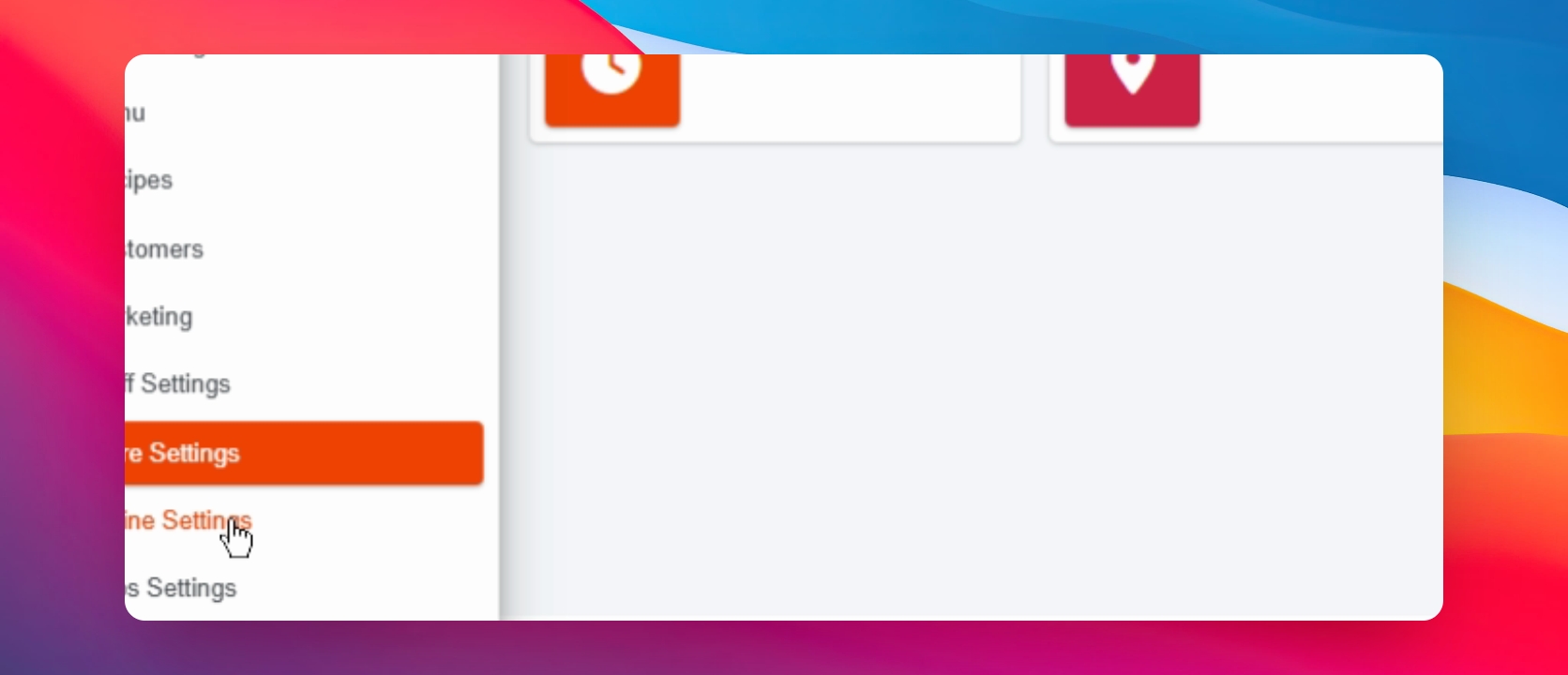
13Finally, click on Online Settings in the left sidebar menu.
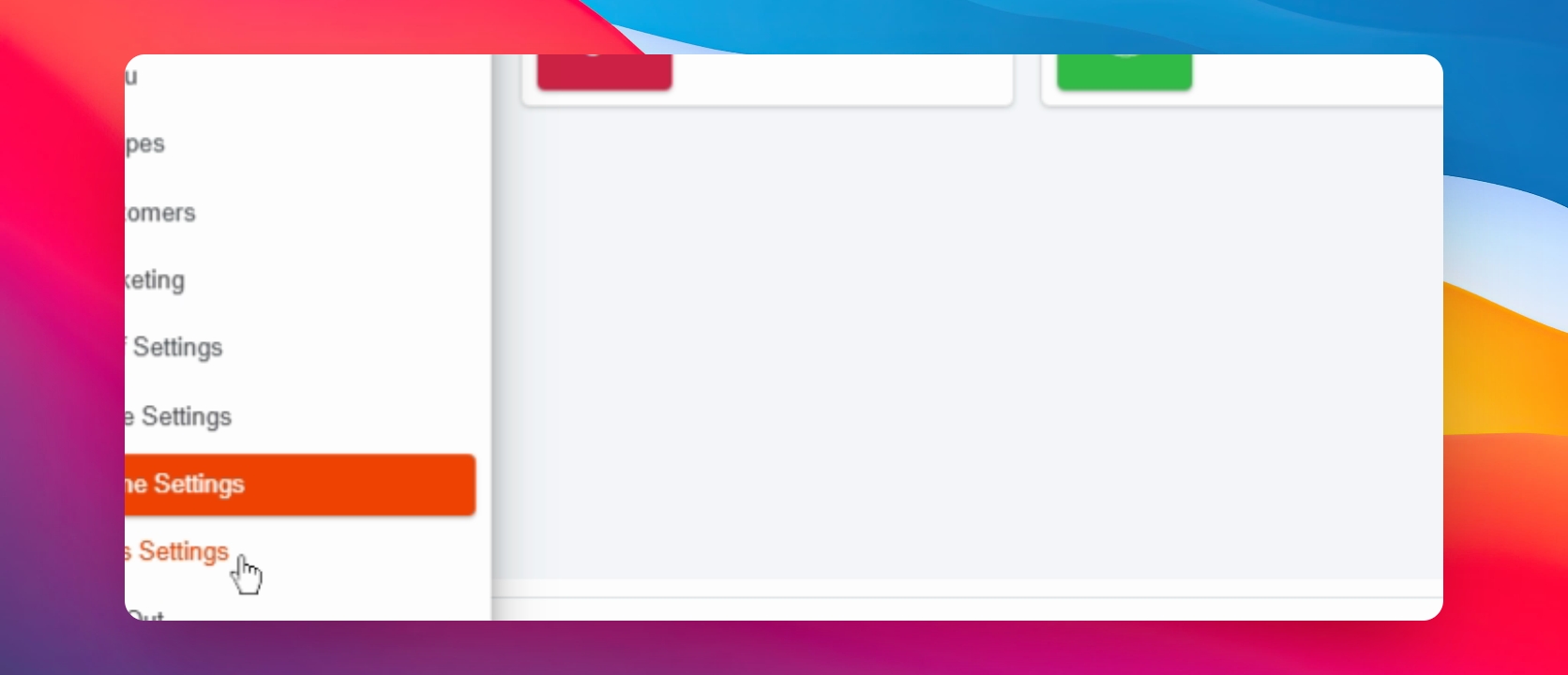
This concludes our overview of the Panda EPOS system. We've explored the main features and settings available in the platform, which can help streamline operations for food service businesses.