

This video guides you on How to Edit Bulk Price in Panda EPOS CMS.
Step-by-Step :
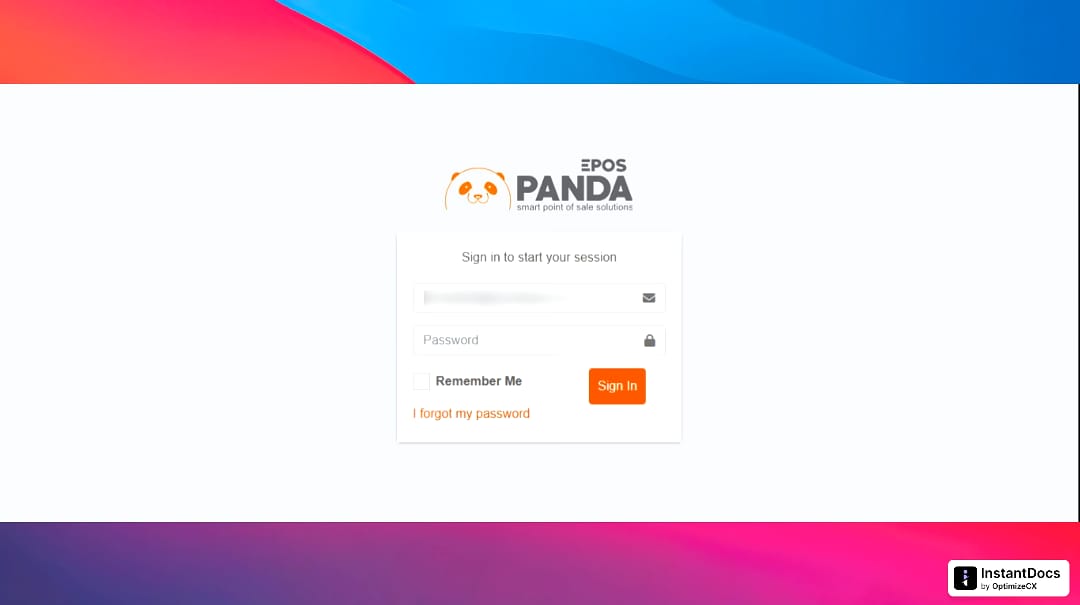
Enter your USERNAME and PASSWORD so you can login to the site.
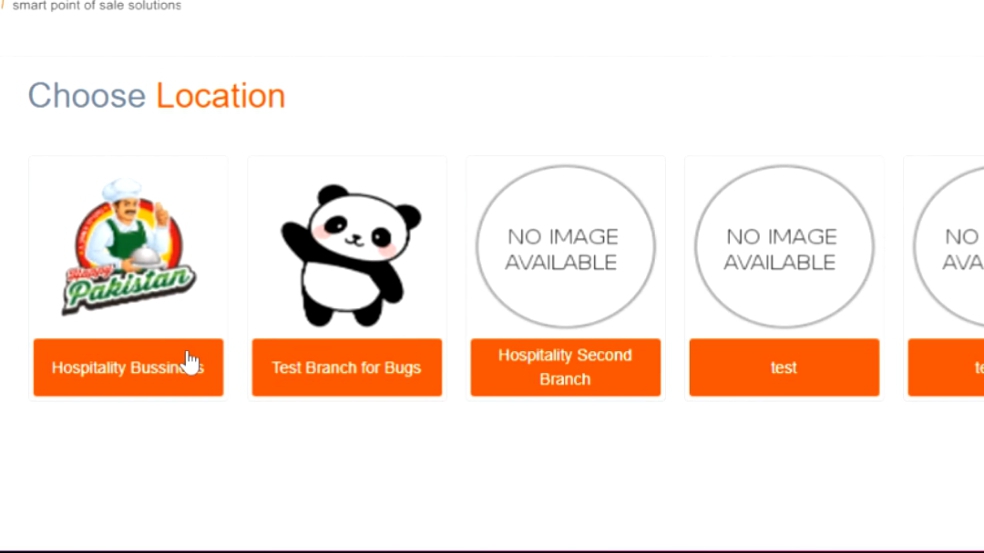
Once you logged in, choose the Location.
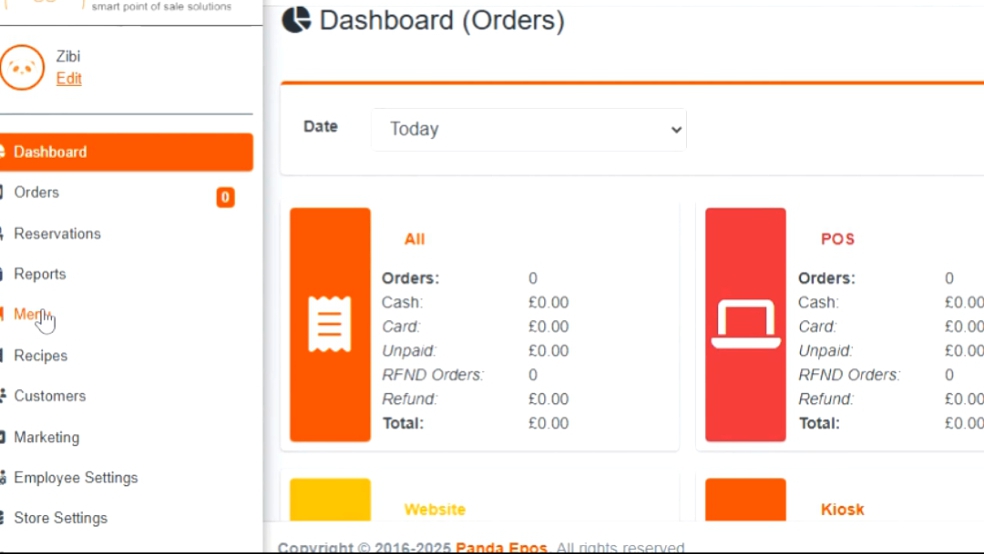
Then on the dashboard, click on the Menu.
Click on the Bulk Price Changes.
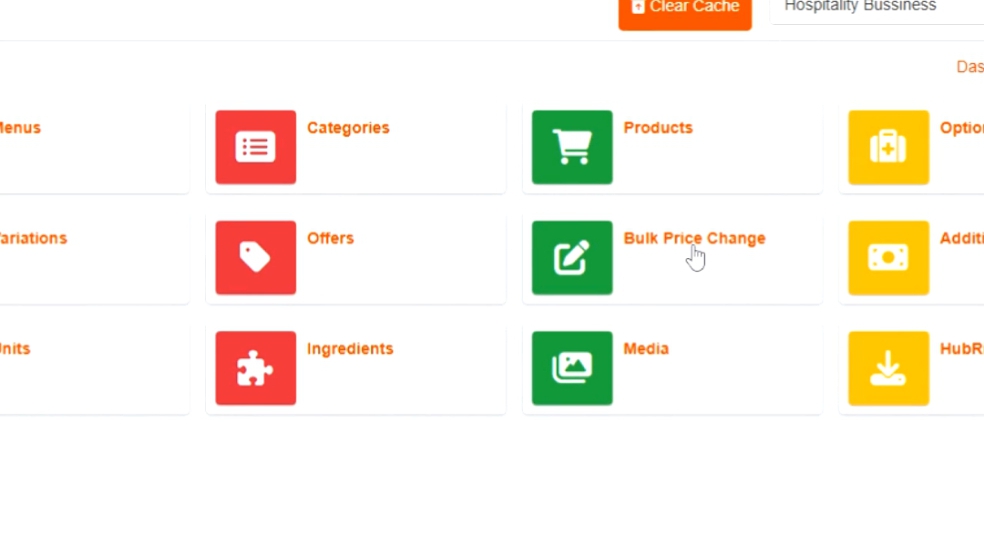
Choose the Product and then click on the Bulk Price Edit option.
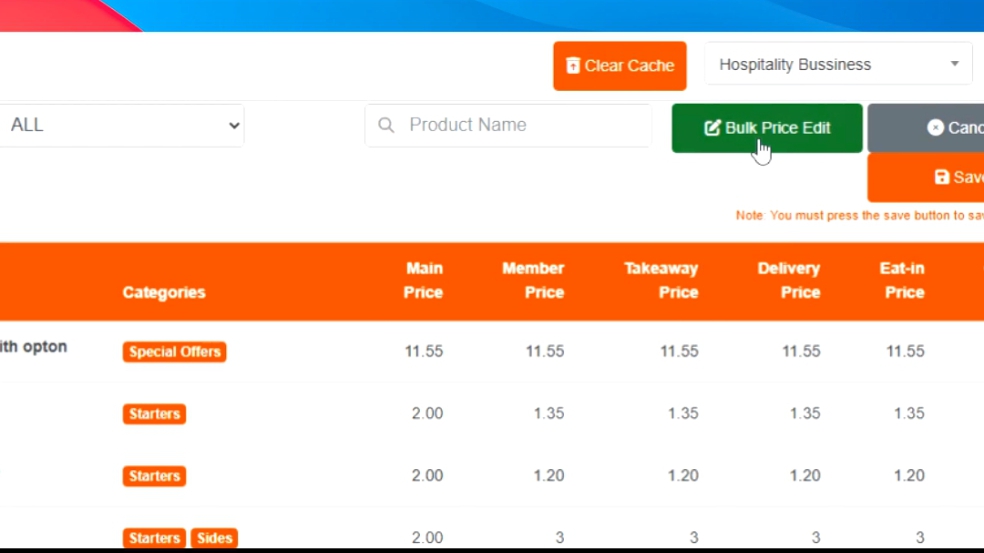
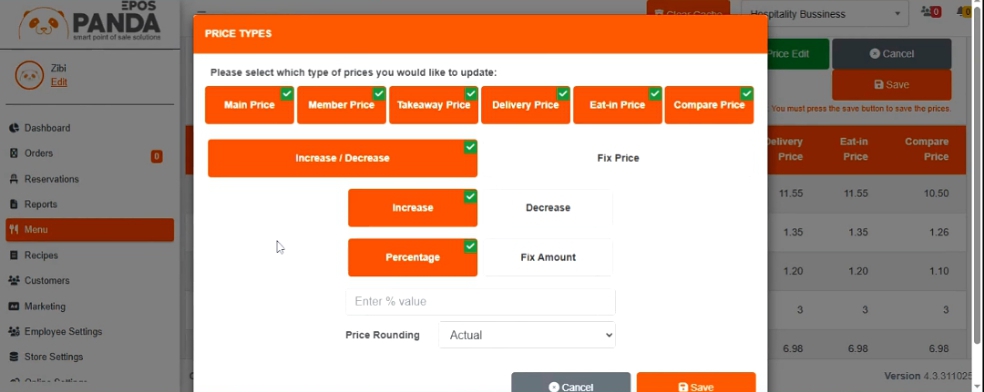
Then choose whatever type of price you want to change,
Choose wether you want to Fix or Increase/Decrease the amount,
Enter % value and click on the nearest Price Rounding you want,
Click Save button.
Your Bulk Price will be updated.