

This tutorial will guide you through the various features and functionalities of the Panda EPOS system, a comprehensive point of sale solution for restaurants and food service businesses.
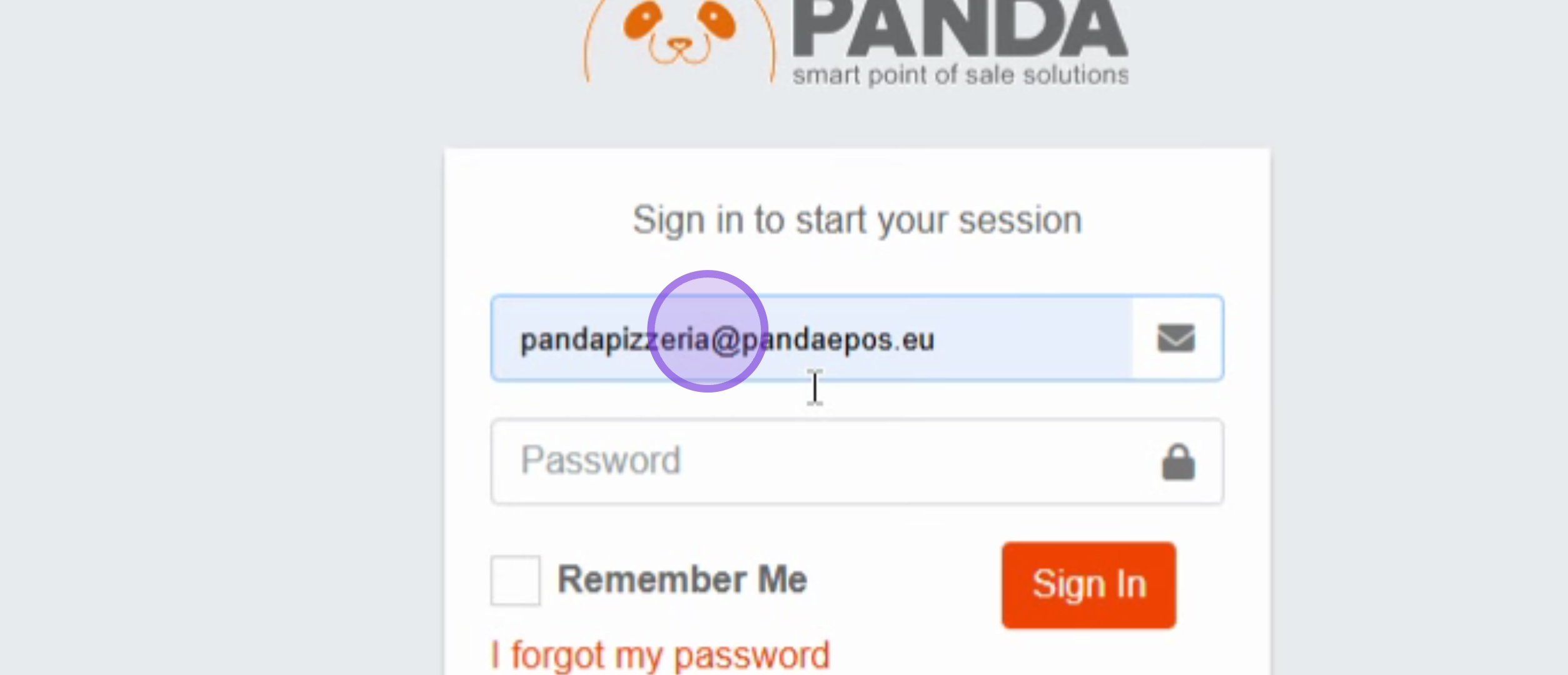
Begin by entering your Email address in the login form.
Next, enter your Password in the password field.
Then, click on the Sign In button.
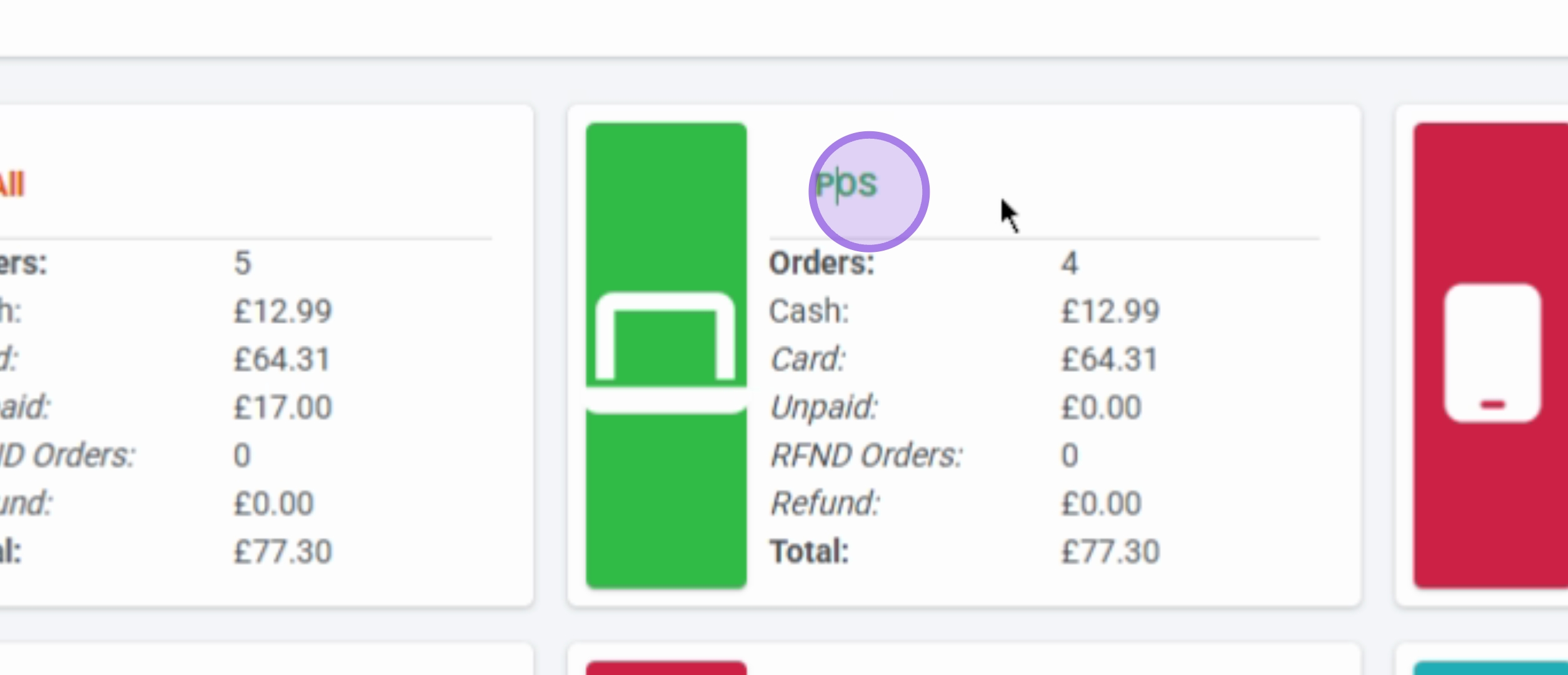
After signing in, you will view the dashboard overview.
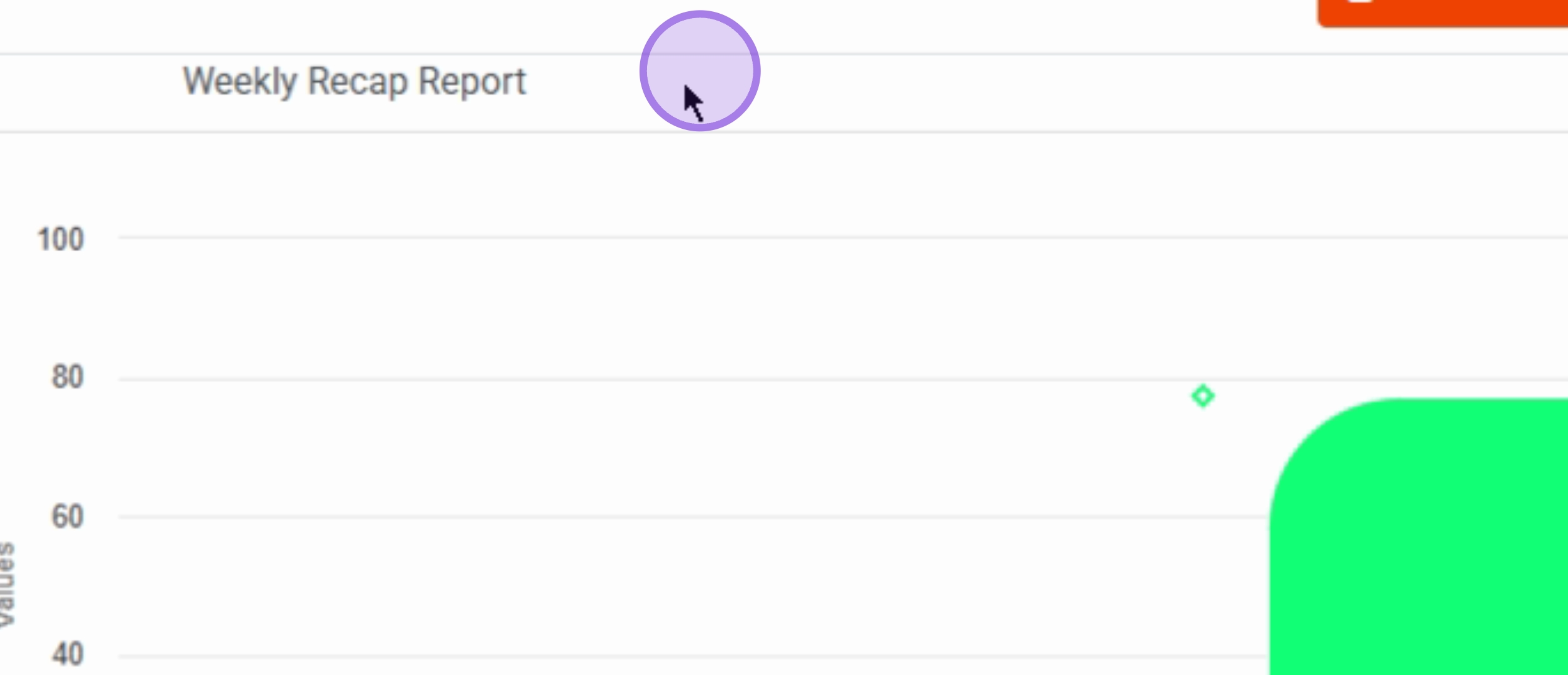
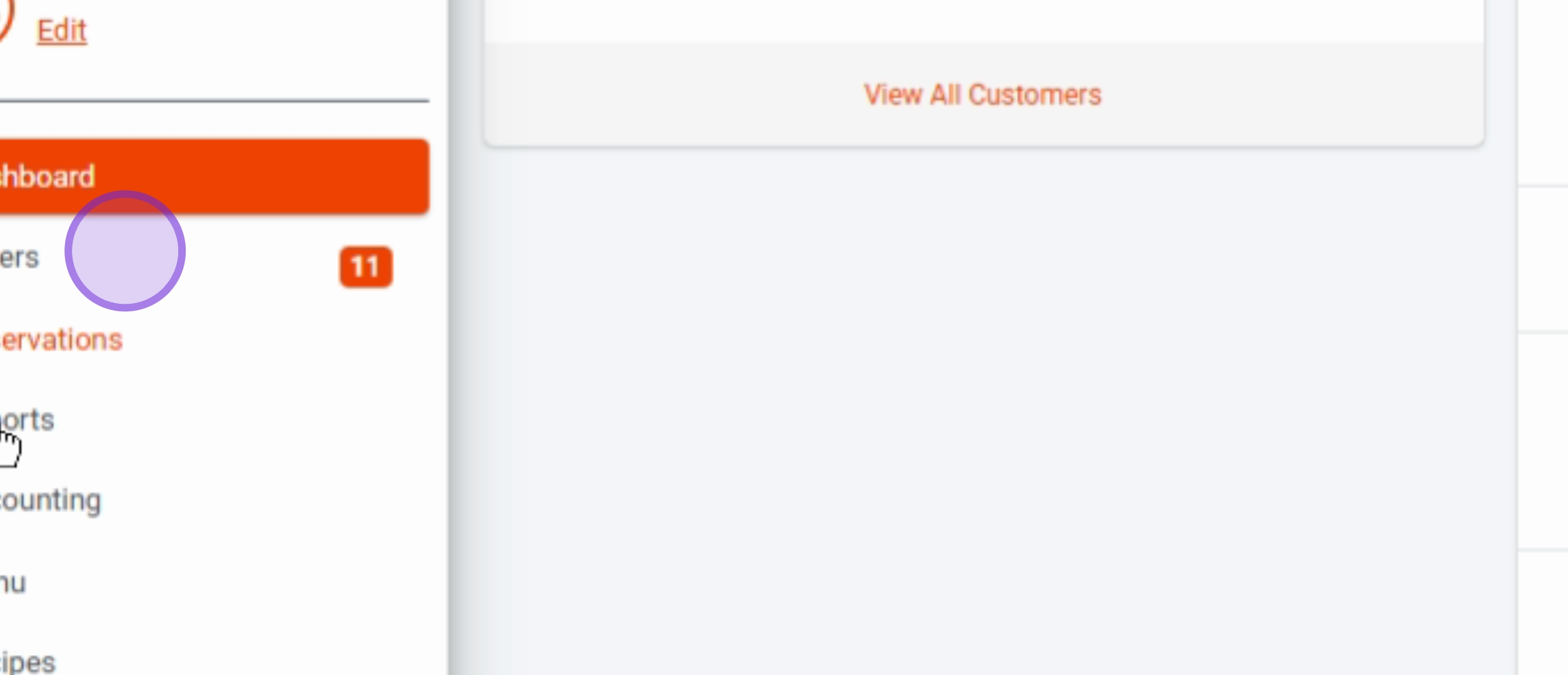
Click on the Reports menu item to access reporting features.
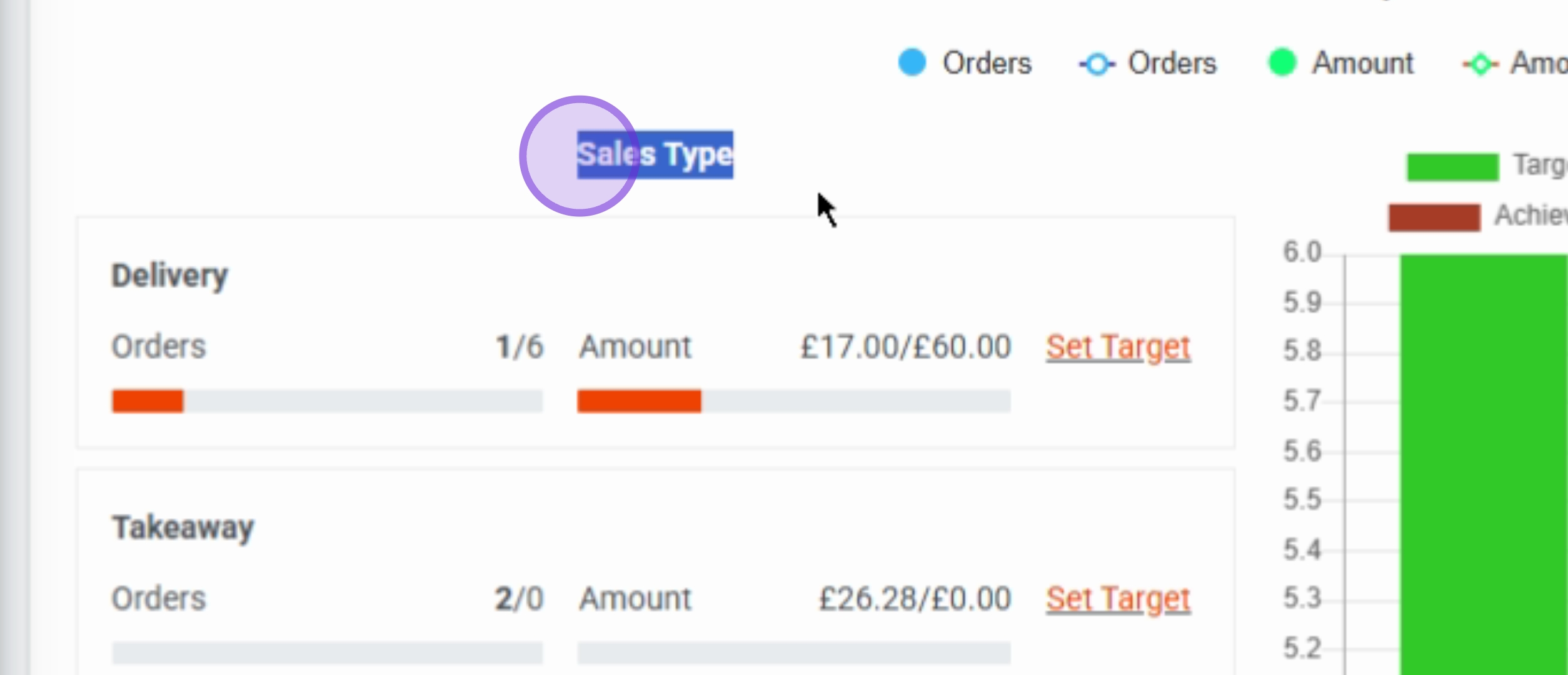
Then, click on the Sales Type section to view specific sales reports.
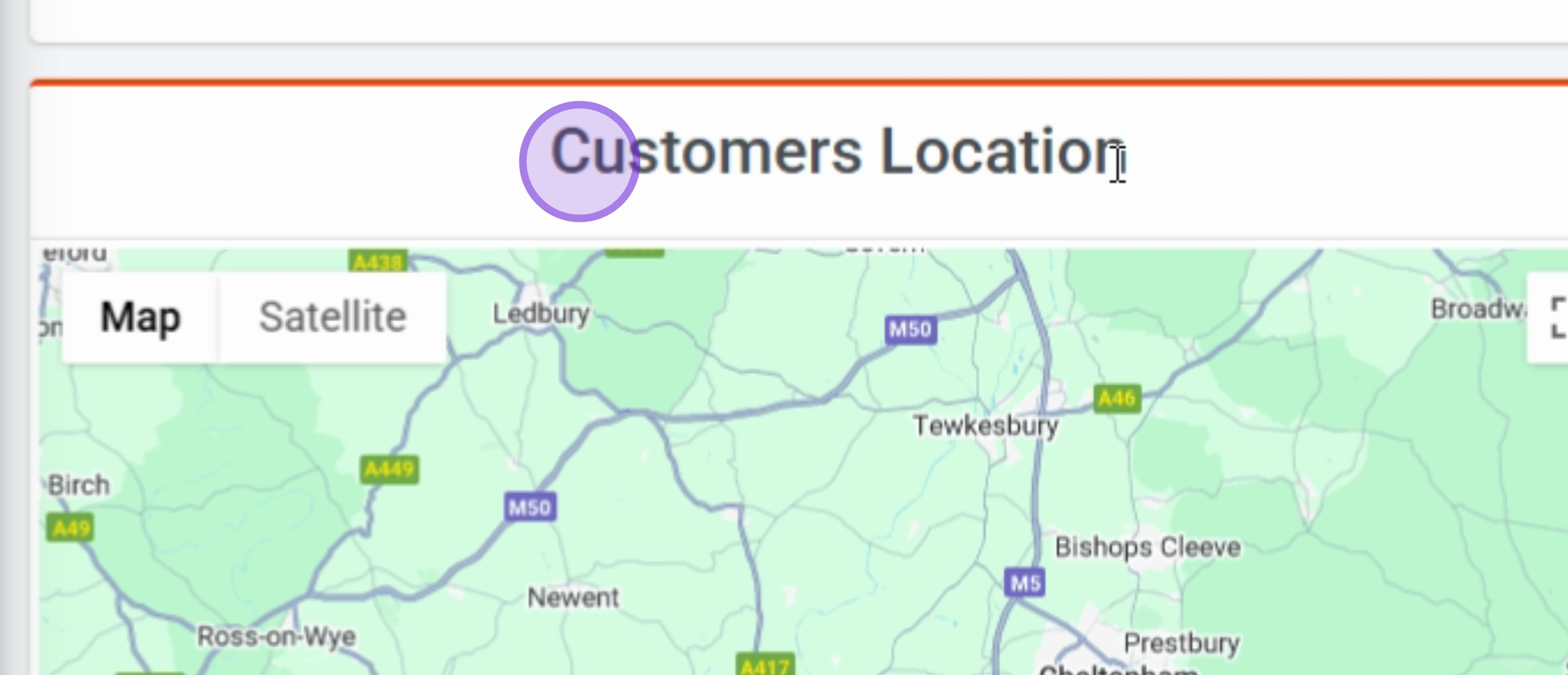
Next, view the Customers Location map for geographical insights.
Click on the Orders menu item to manage your orders.
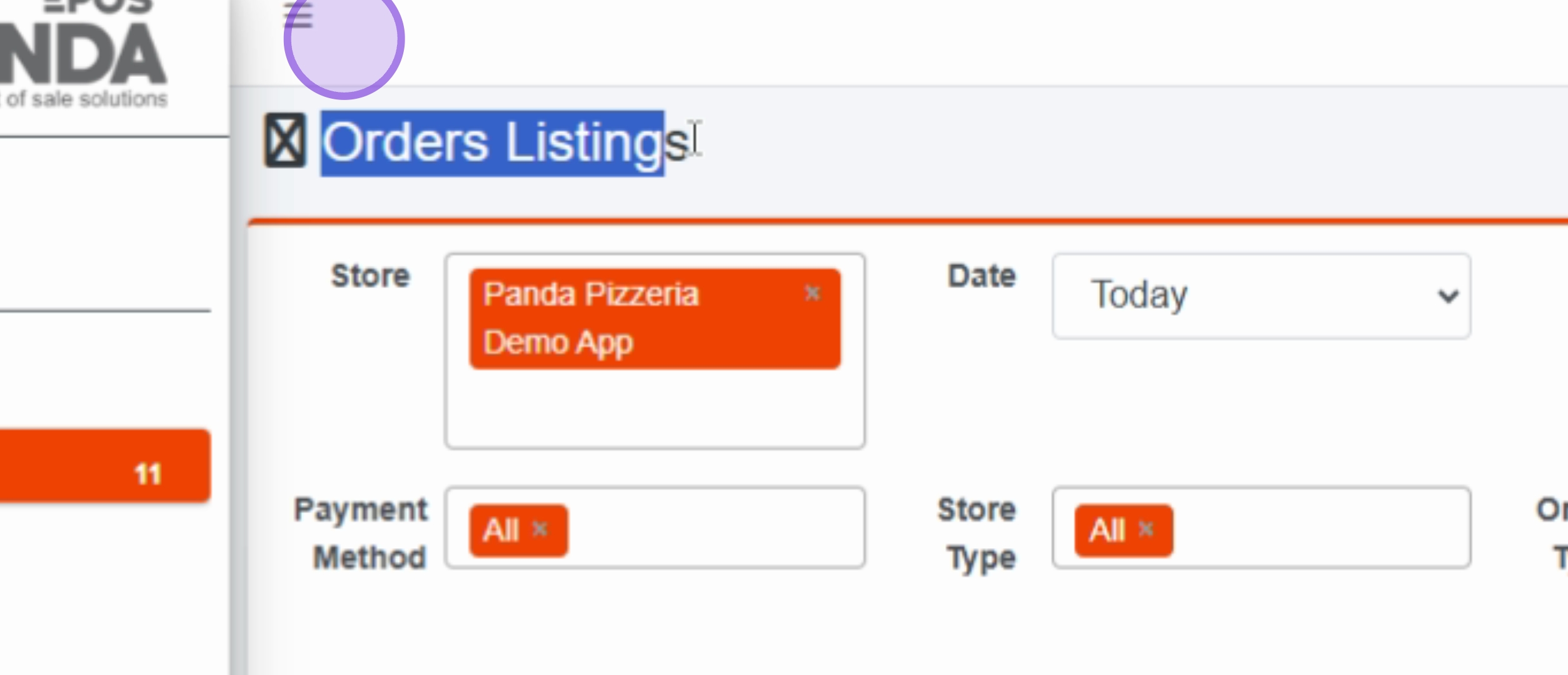
Here, you will see the Orders Listings page with all current orders.
Click on the Reservations menu item to manage customer reservations.
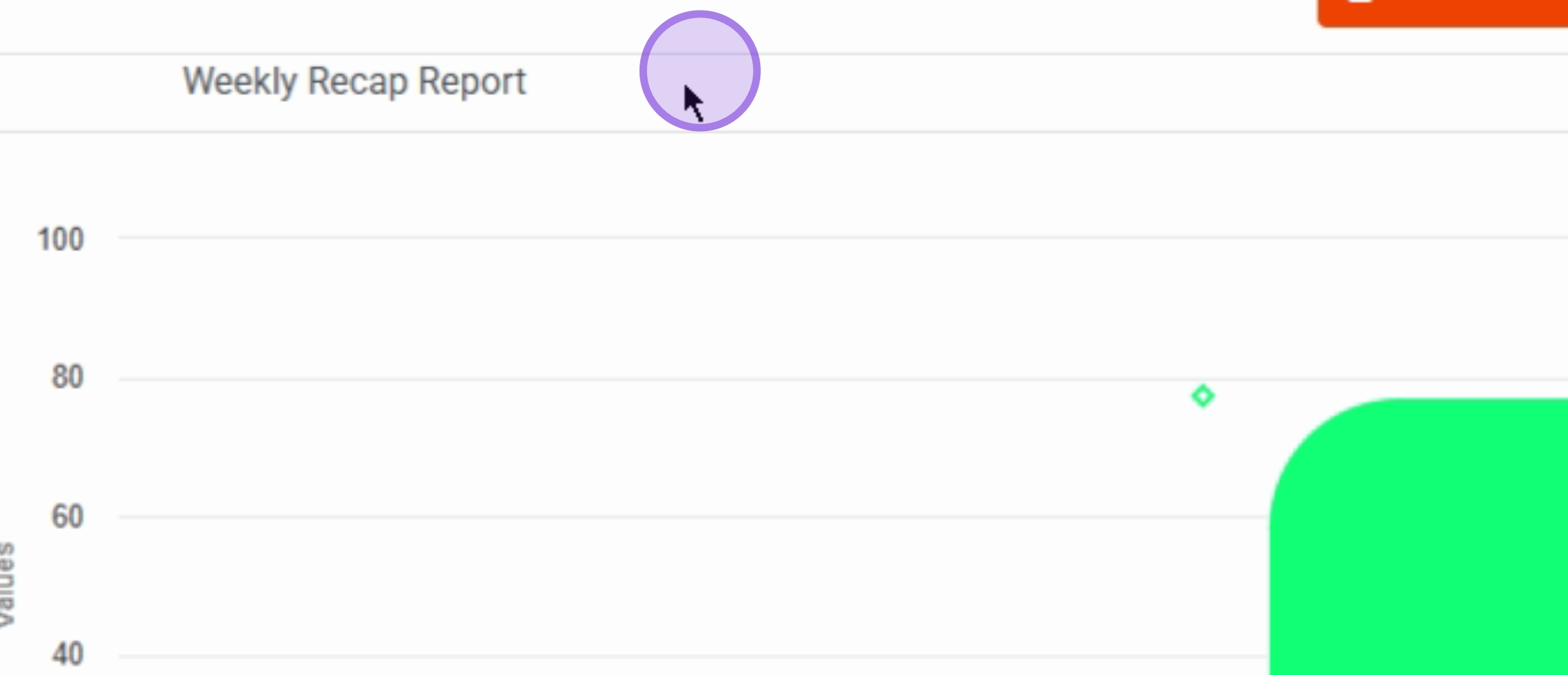
Return to the Reports menu item for additional reporting options.
Click on the Accounting menu item to access financial reports and settings.
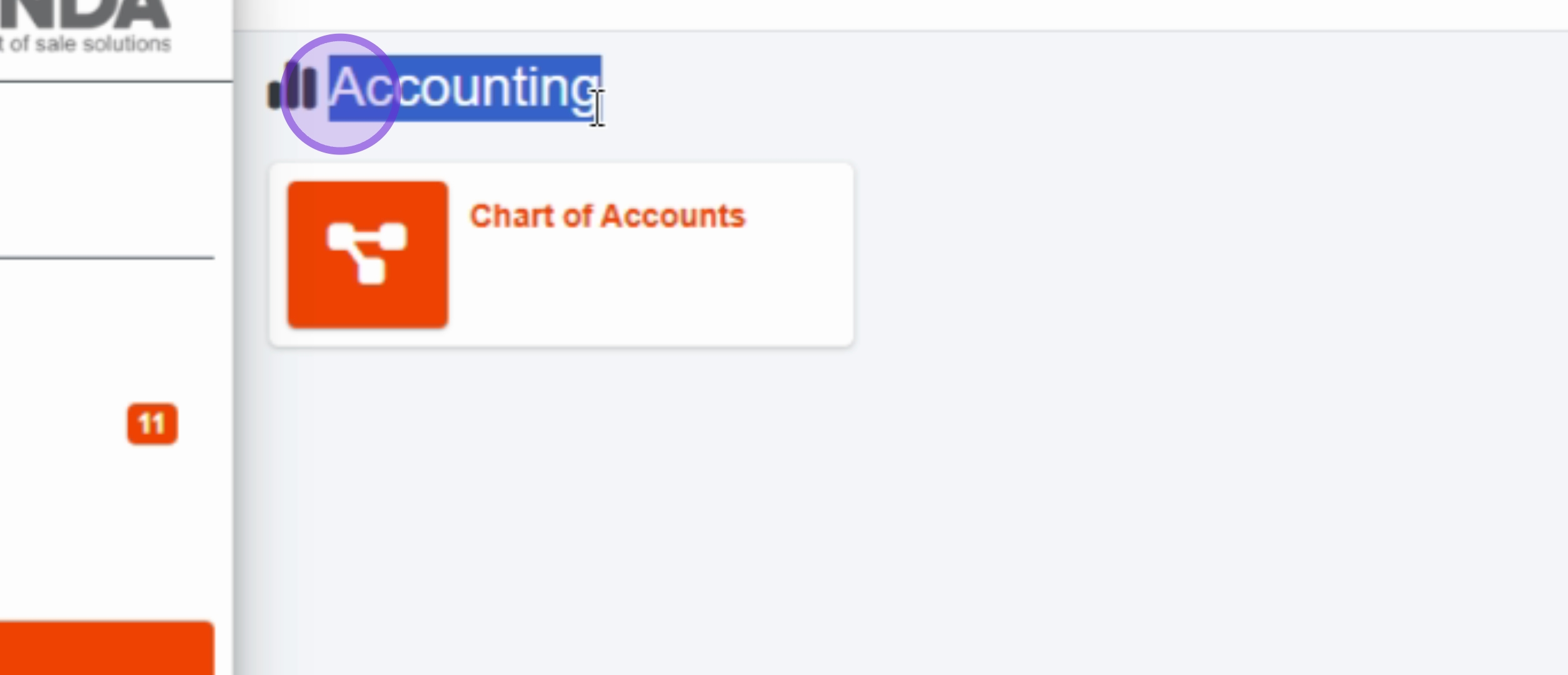
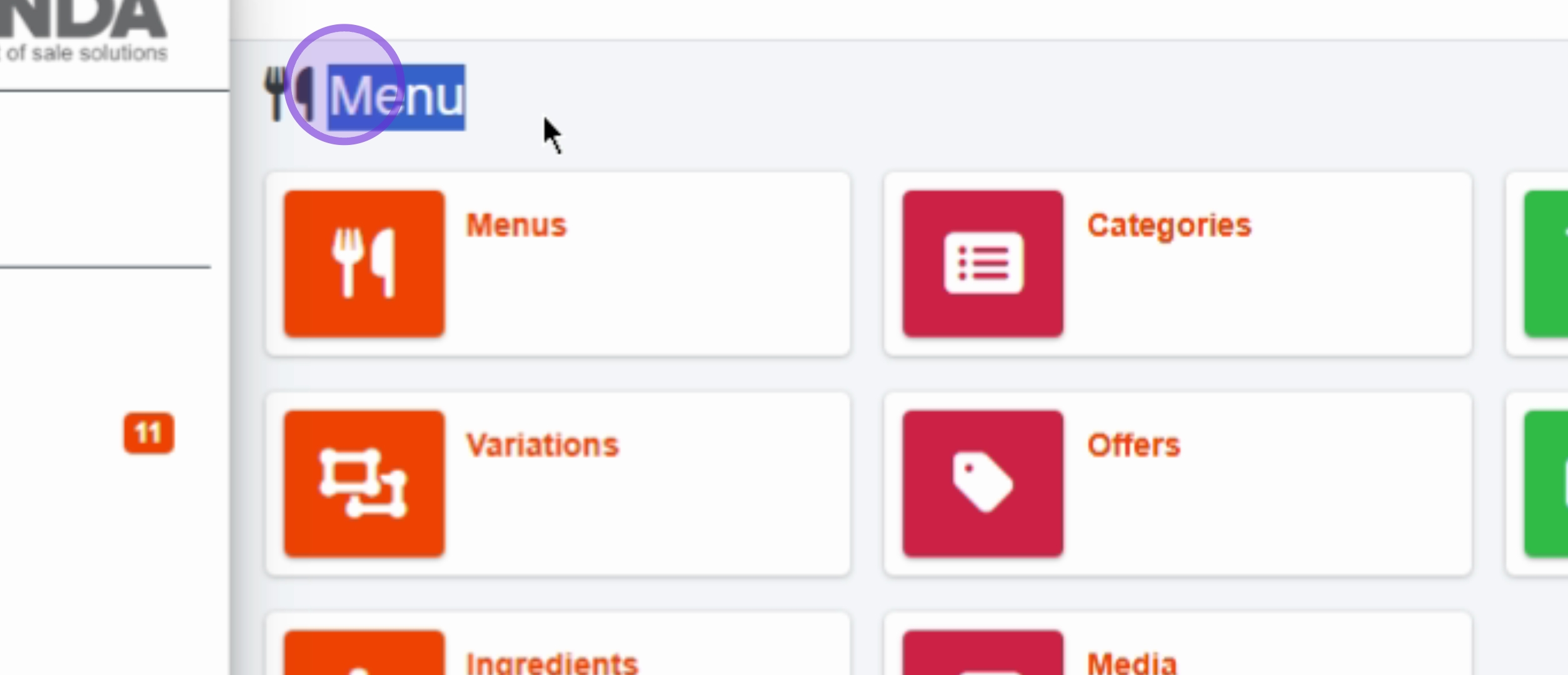
Next, click on the Menu menu item to manage your menu items.
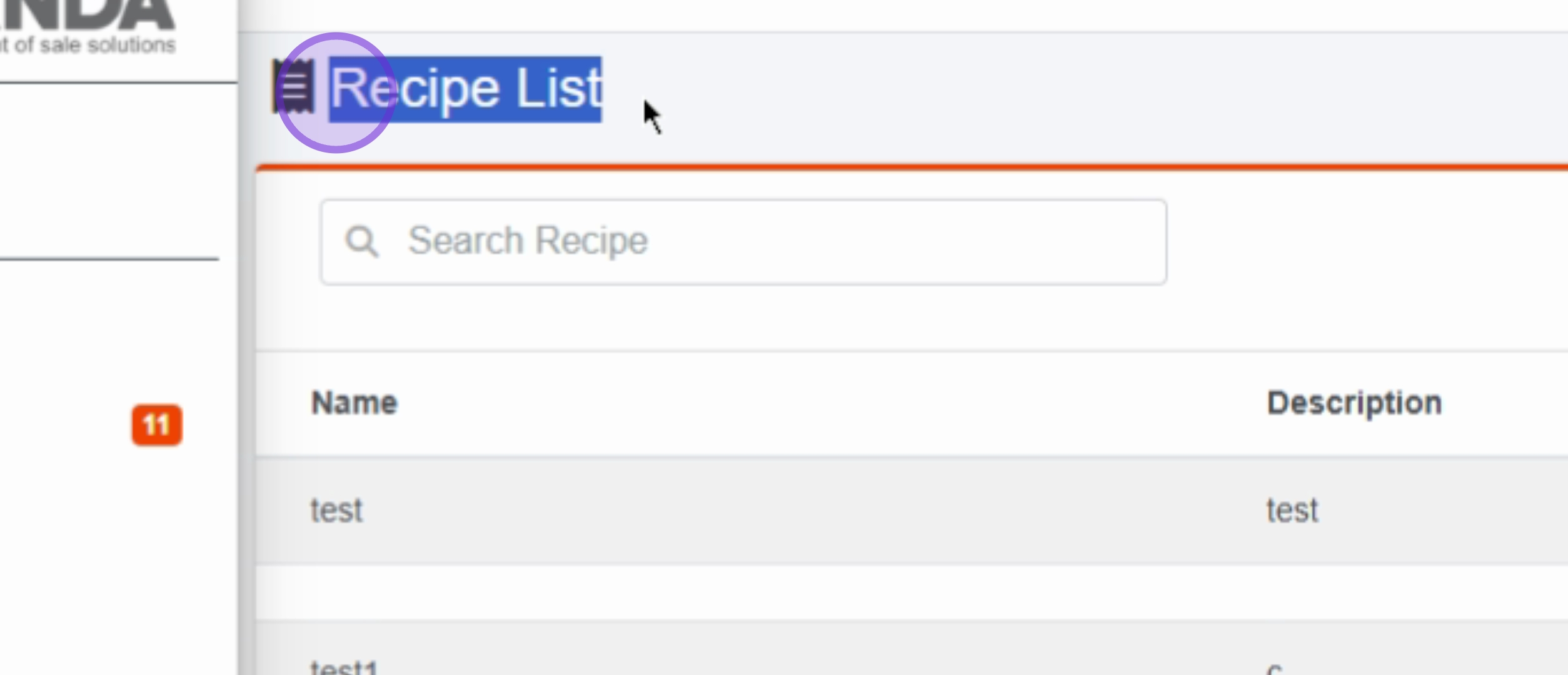
Click on Recipes menu item to delve into recipe management.
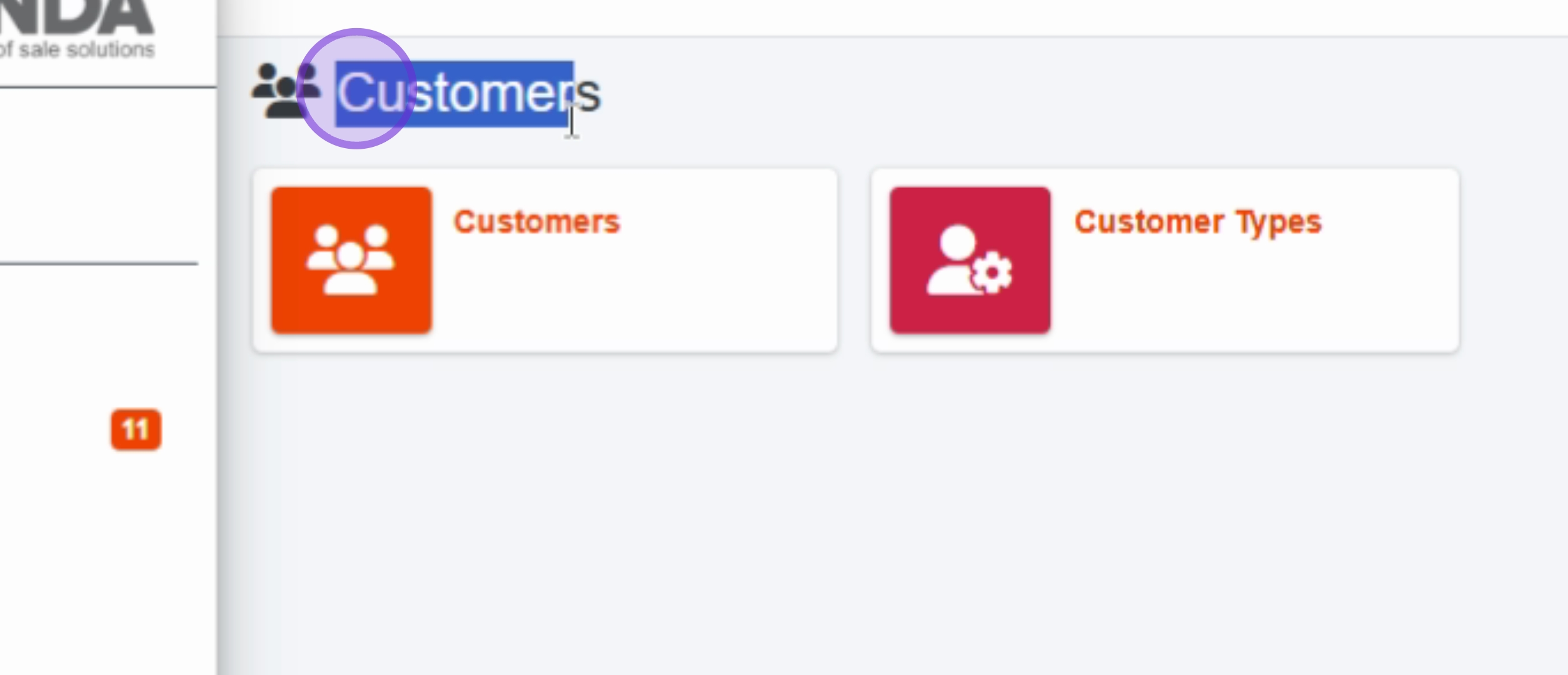
Access customer information by clicking on the Customers menu item.
Click on the Marketing menu item to explore marketing tools and options.
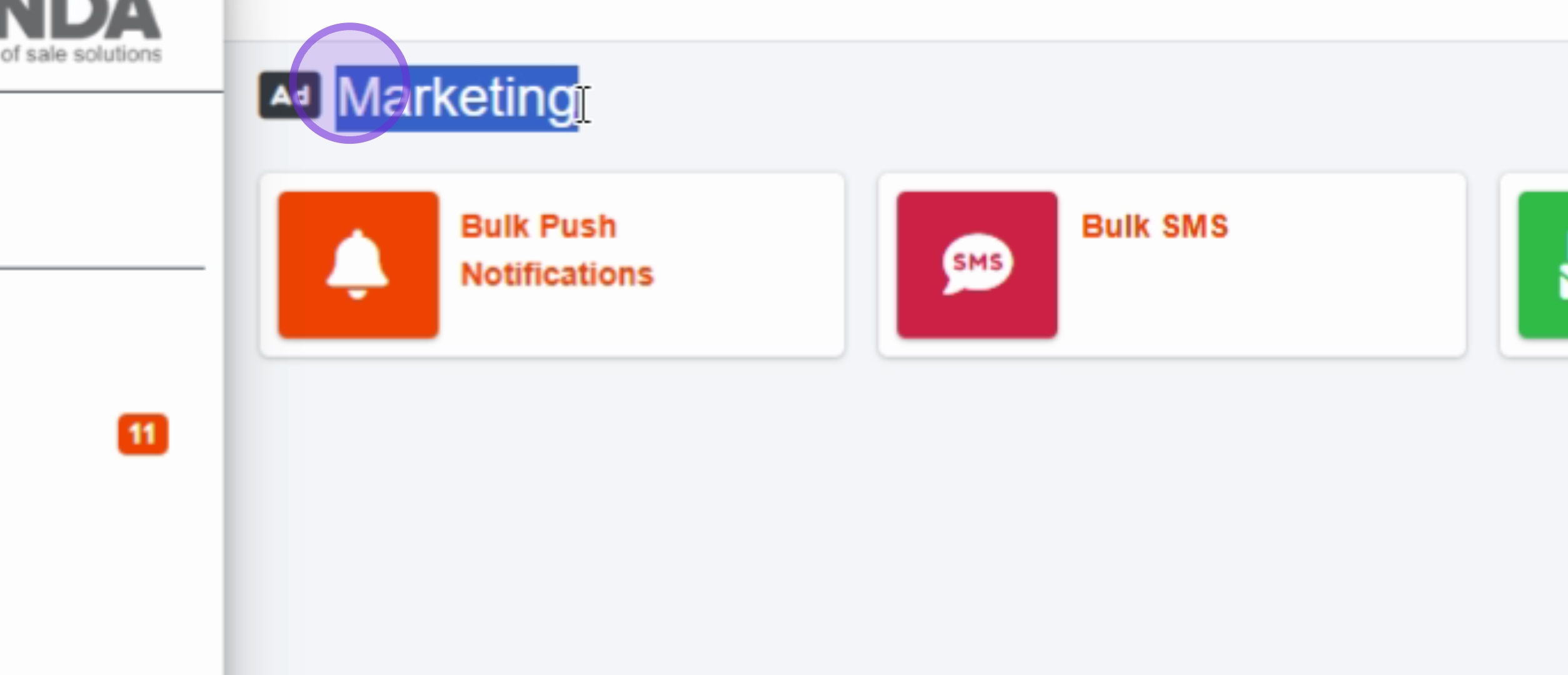
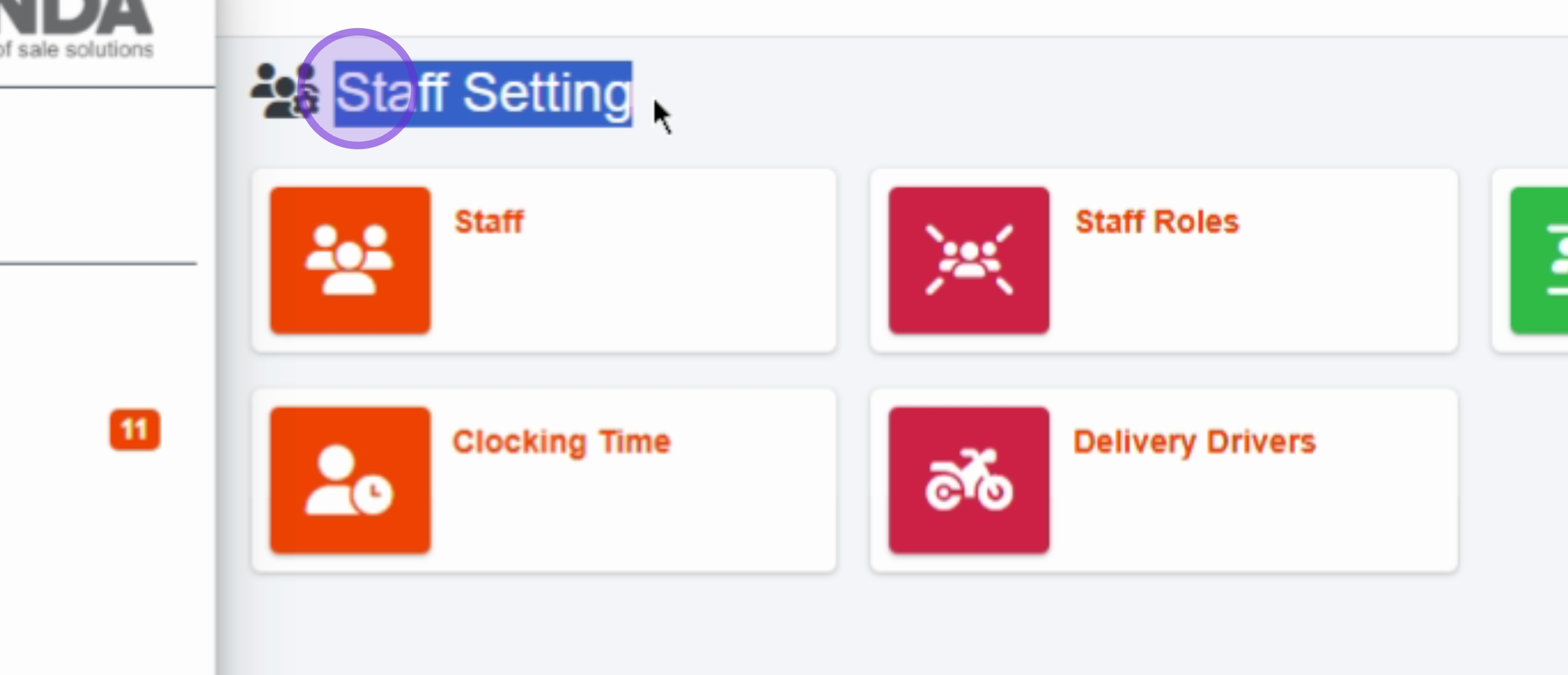
Manage your staff settings by clicking on the Staff Settings menu item.
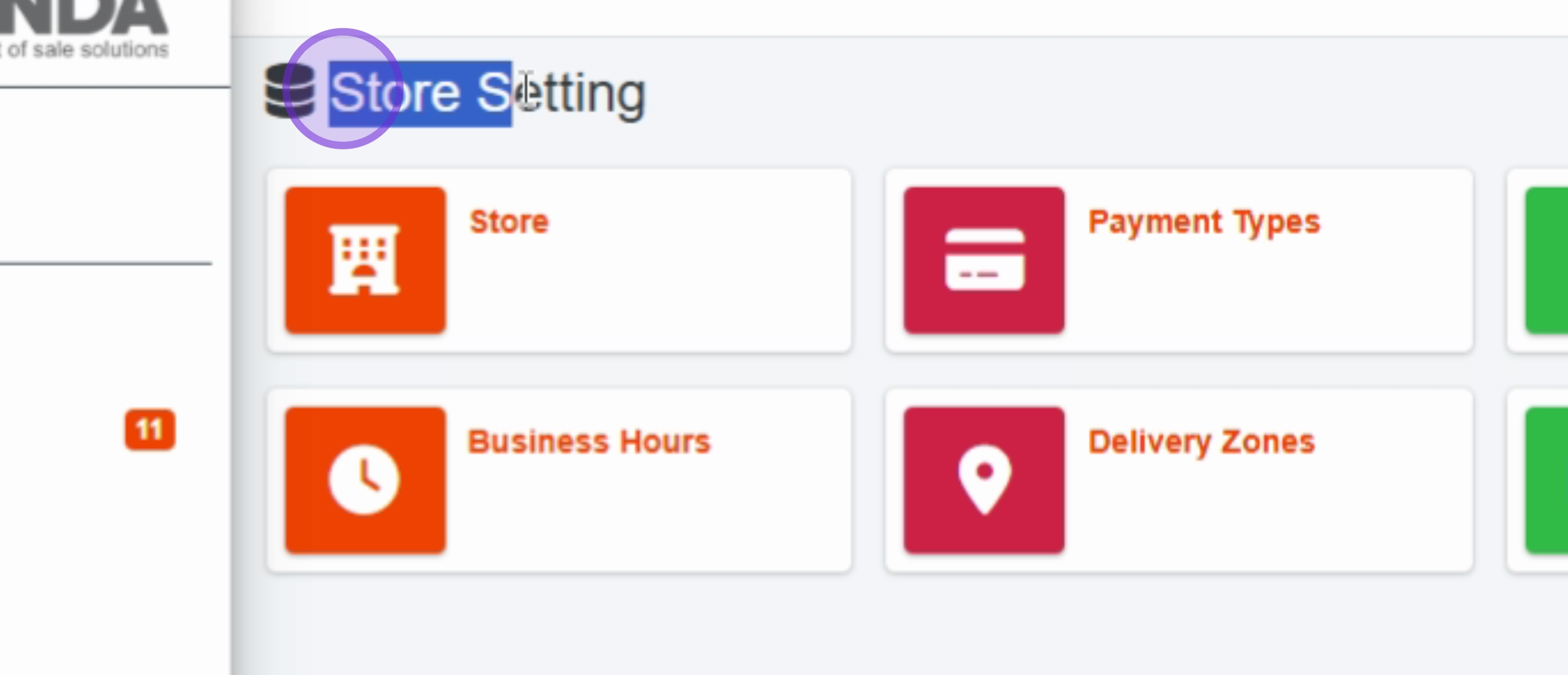
Click on the Store Settings menu item to adjust store configurations.
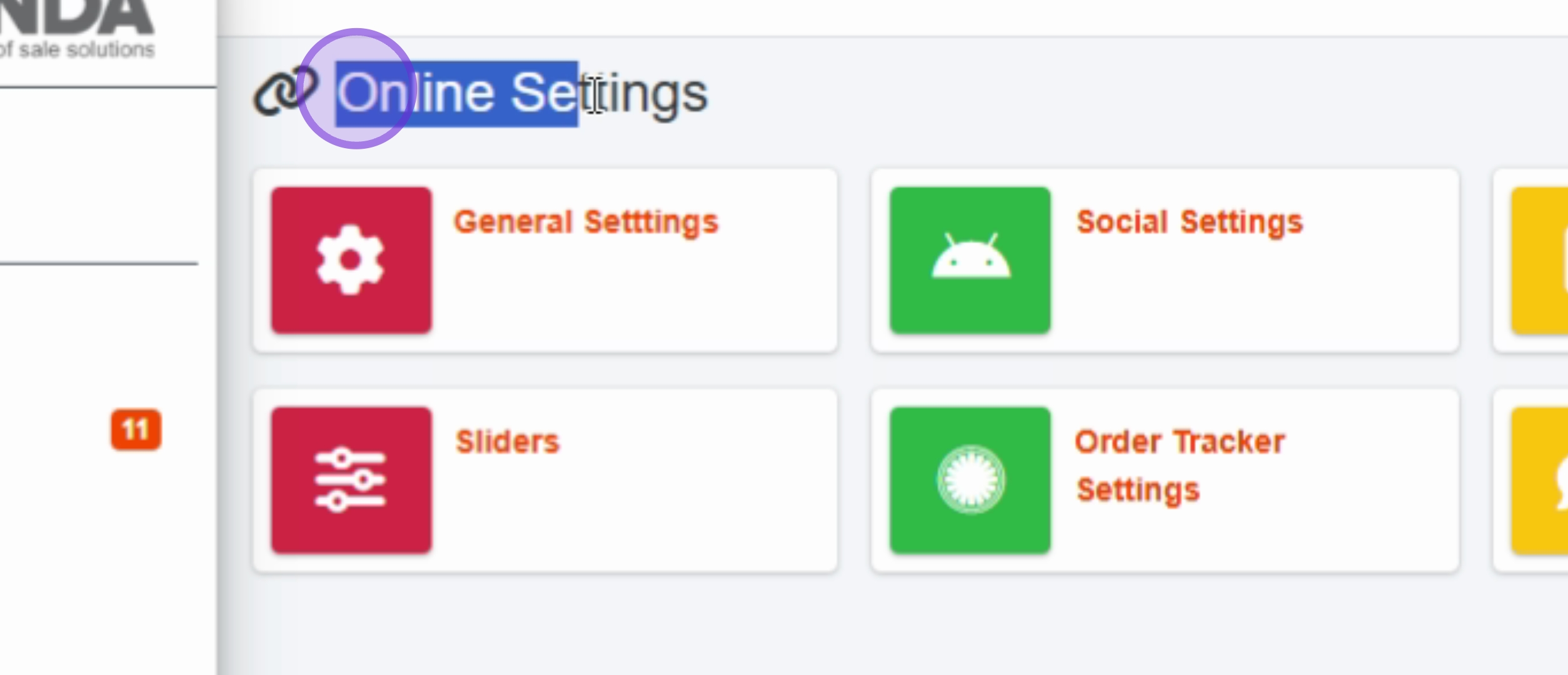
Access online features via the Online Settings menu item.
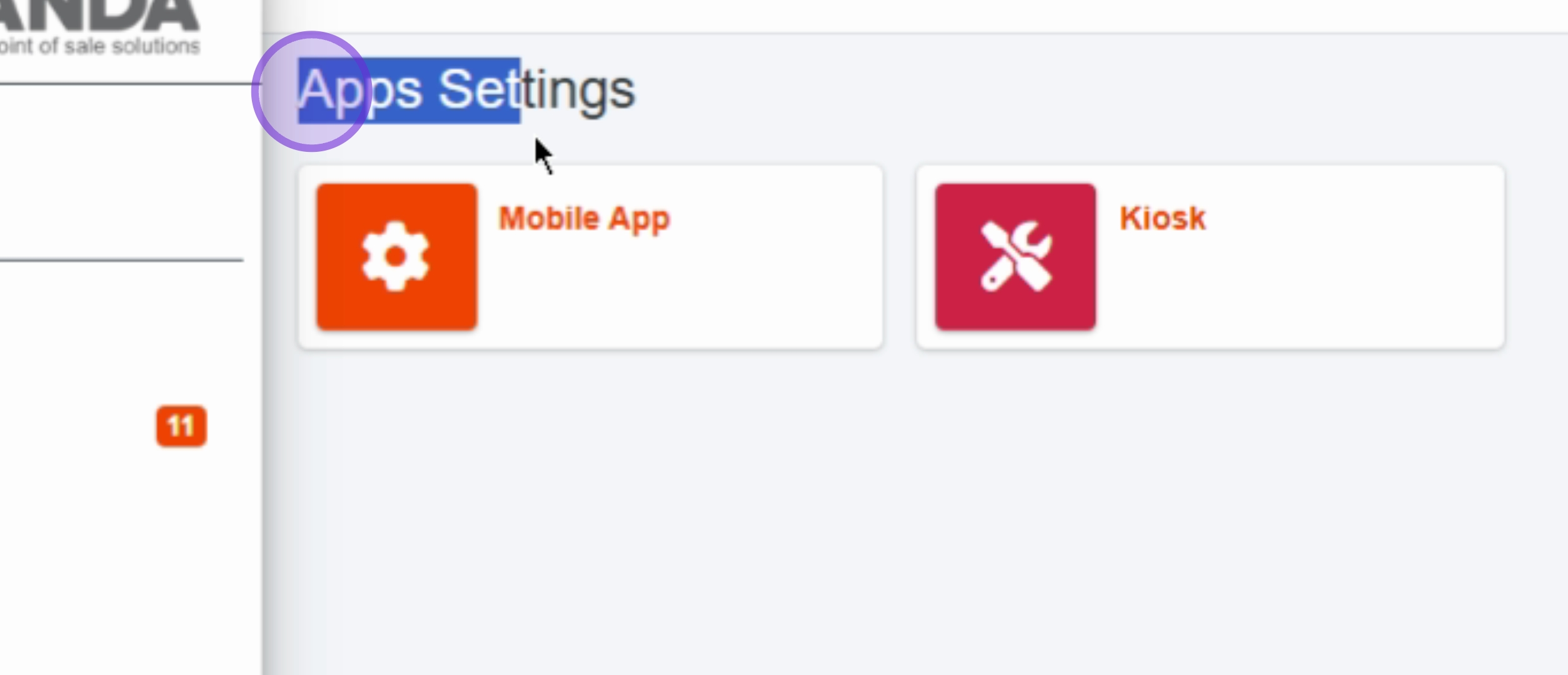
Finally, explore customization options with the Apps Settings menu item.
This concludes our overview of the Panda EPOS system. We explored various sections including dashboard, reports, orders, reservations, menu management, customer data, marketing tools, and system settings, providing a comprehensive look at this restaurant management solution.